Adam Kos
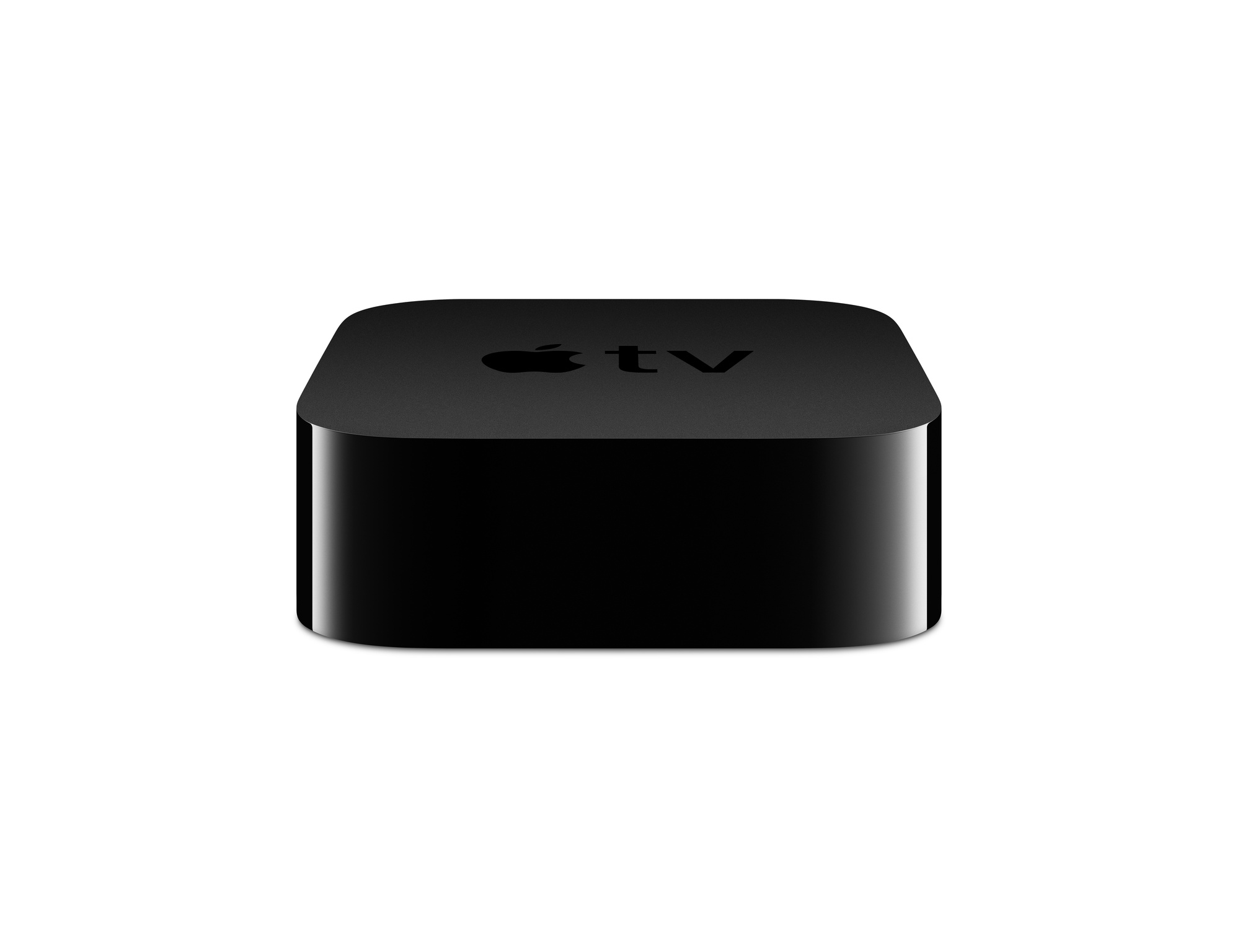
Apple introduced his first Apple TV 14 years ago. The world was completely different back then. Netflix was still a DVD rental company that sent DVDs by mail and Apple started by distributing a few movies and TV shows on his iTunes. Today, Netflix is the leader in video content streaming services and Apple he already has his own Apple TV+. But its smart box makes sense even if you have a smart TV.
If you are thinking of buying Apple TV 4K 2nd generation, but you own a smart TV, these 6 points will either convince you that the investment is worth it, or on the contrary, confirm that the smart box AppYou don't actually need it. Many smart TVs already offer access to content Appwithin its Apple TV+ and can also AirPlay 2, but they are still missing something. You can find out what it is in the following list.
It could be interest you
Universal application
While your smart TV may have all the streaming services you could want to watch, that doesn't necessarily mean it's the same for most of your favorite apps you use on your iPhone and iPad. Since it's tvOS offshoot iOS, it directly offers to have a unified experience from the application by making it available on TV.
Gallery

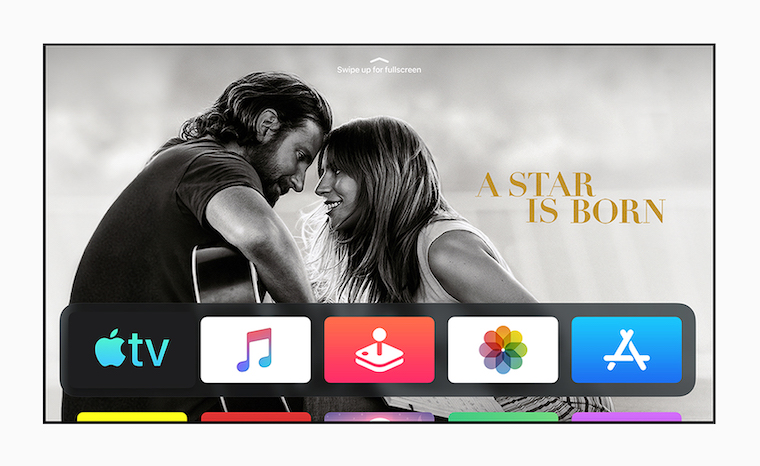
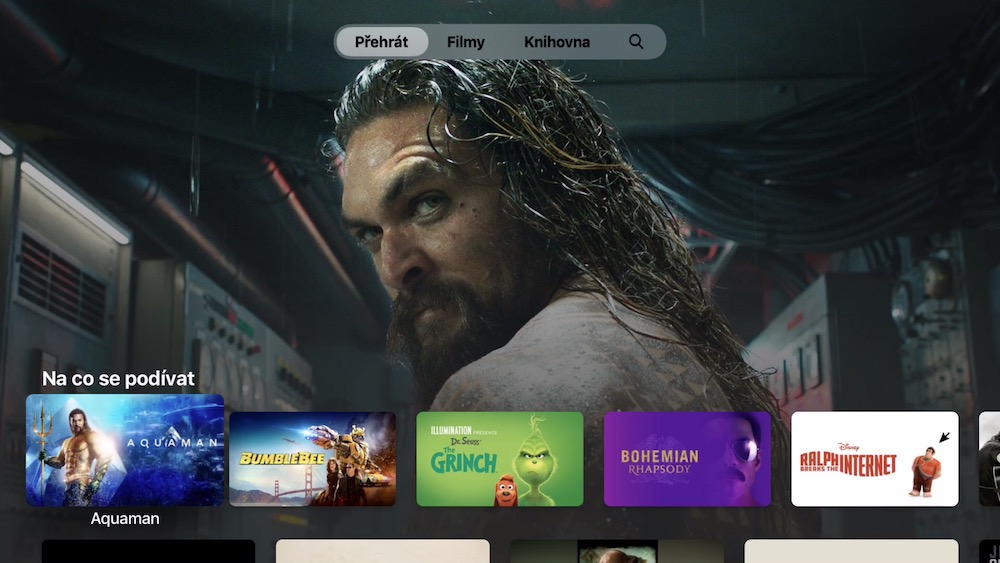
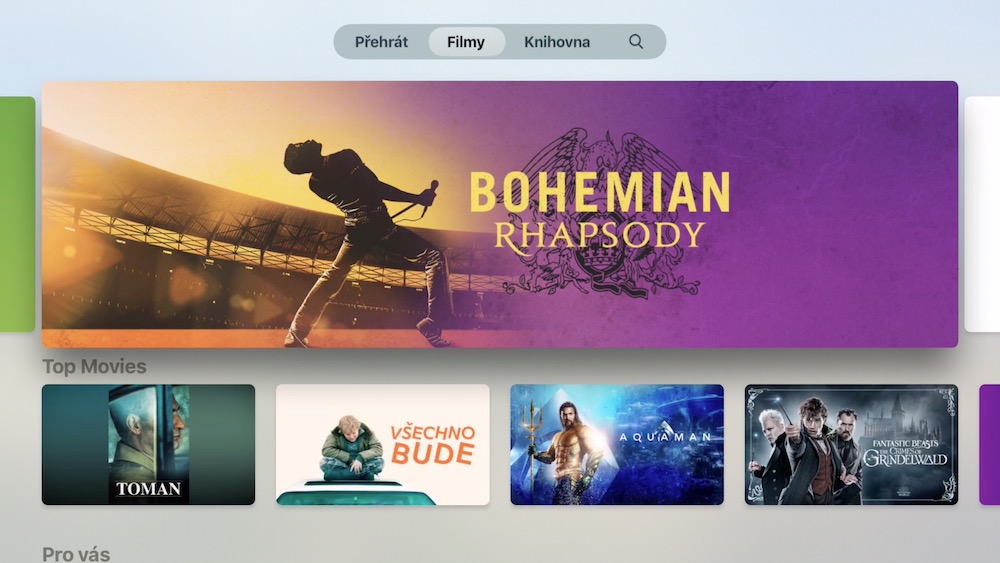

Typically, this could be one of your favorite weather apps. Thanks to synchronization on cloudu will provide the same informationmace in your pre-defined locations both on your mobile device and on your TV. This of course also applies to other titles and various games.
It could be interest you
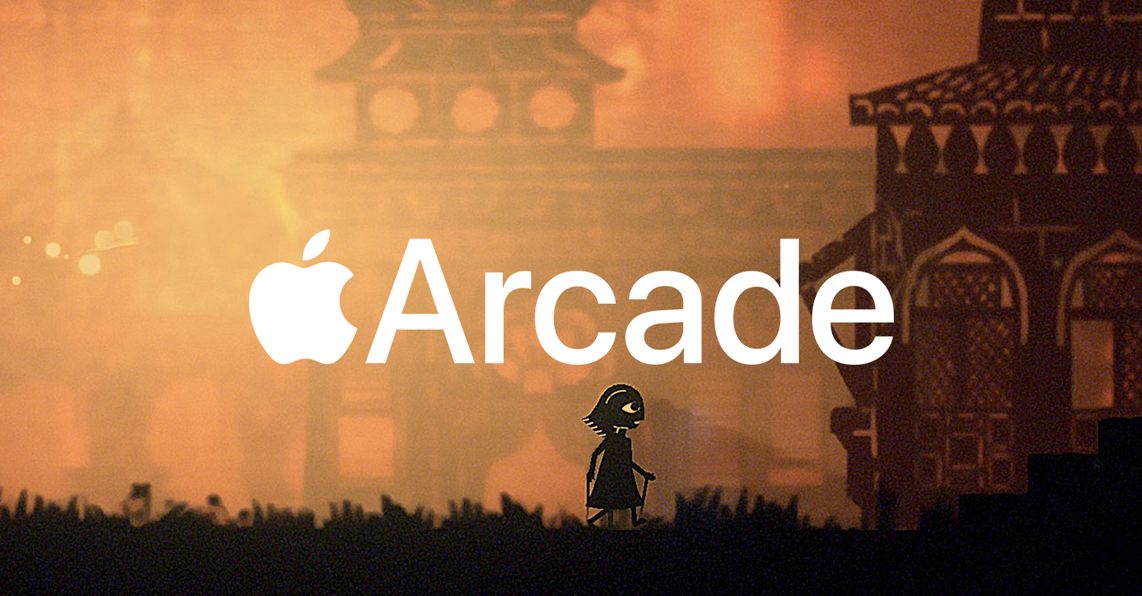
Apple Arcade
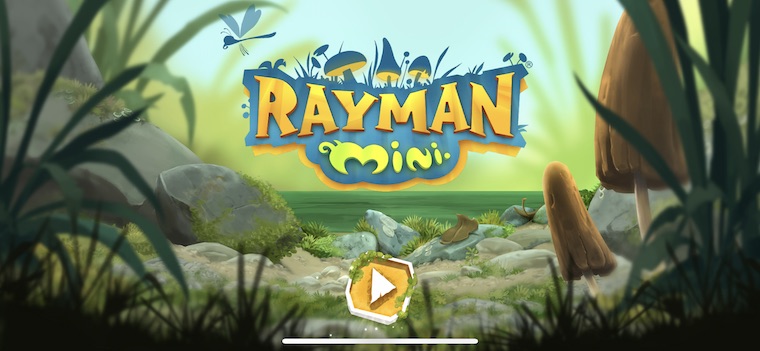
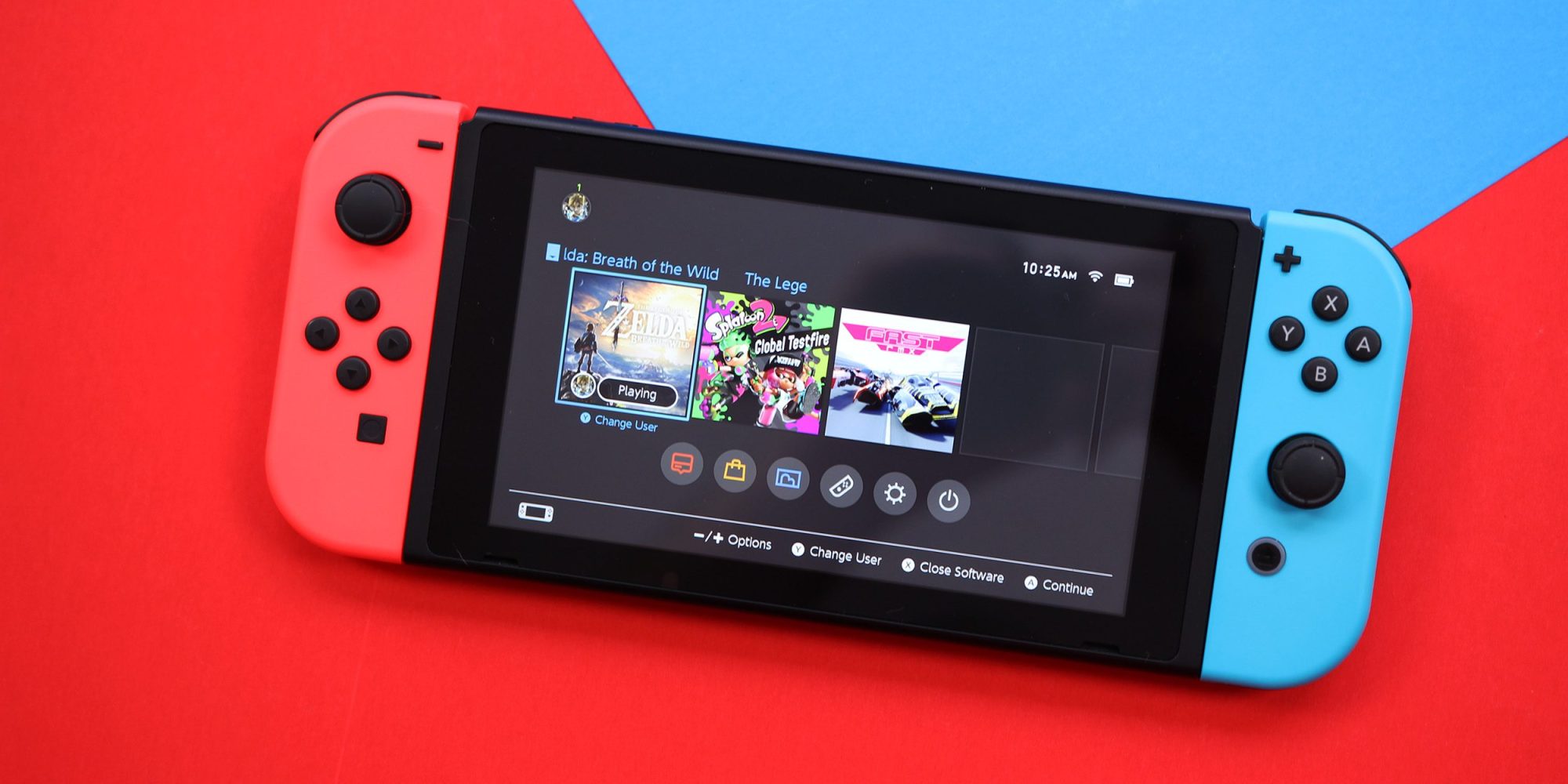
As part of the subscription, you can z Apple TV make a game console. That's in quotes, because the titles don't reach the same quality and there aren't as many of them as on "adult" consoles. Even so, if a game takes your heart on your iPhone or iPad or even your computer Mac, you can also play it on Apple TV – no ads or microtransactions. You can play with a controller, iPhone, but also any other console controller supported by the system, including the Xbox one. If you are a casual gamer, you will be satisfied.
Gallery









HomeKit
If you have already penetrated the smart home, you can Apple TV set as its center. Moreover, only the iPad or HomePod. And there is a function for that HomeKit Secure Video, so it can be an ideal device when using security cameras that support this platform. This way you can watch your favorite show while still keeping an eye on what's going on around your house.
It could be interest you
Privacy
Most smart TV manufacturers are not as concerned about privacy as Apple. This means that there is a good chance that your smart TV is spying on you in some way and reporting everything back to the manufacturer (with respect to its usage). Of course, they allow you to turn it off, but it's almost always enabled by default, and it's not always easy to find the deactivation. With a strong company focus Apple on privacy you are almost guaranteed that he your Apple TV will not report anything at all. Not even to other applications in use, because even tvOS 14.5 includes the transparent tracking feature, which is known primarily from iOS 14.5.
Gallery



Screensaver from photos on iCloudu
A lot of smart TVs offer photo screensavers, but only just Apple TV allows you to use a screensaver for photos that are already in your photo library on iCloudu. You can even use a shared photo album here iCloudto which other family members or friends also add content.
It could be interest you

Remote control
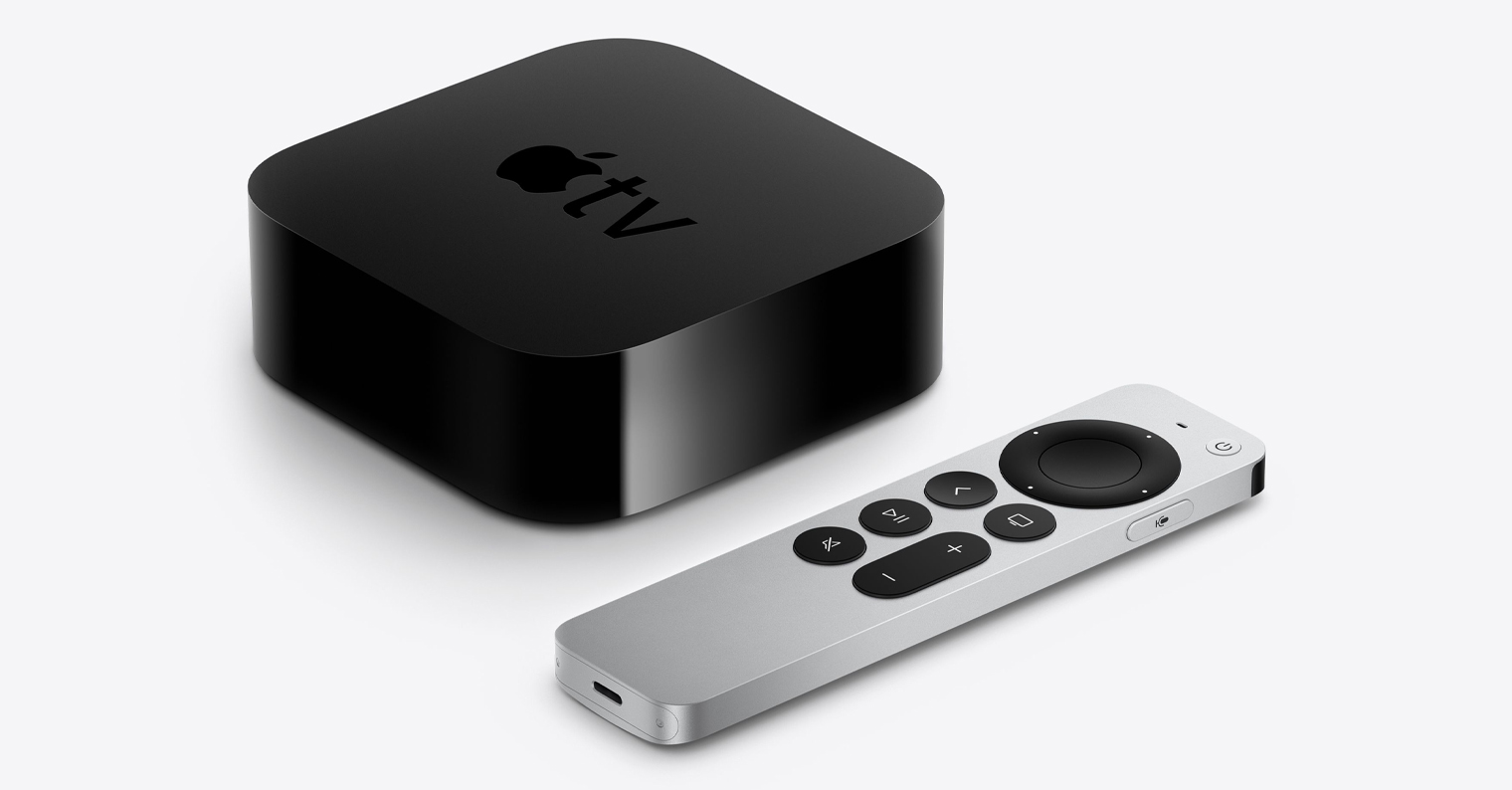
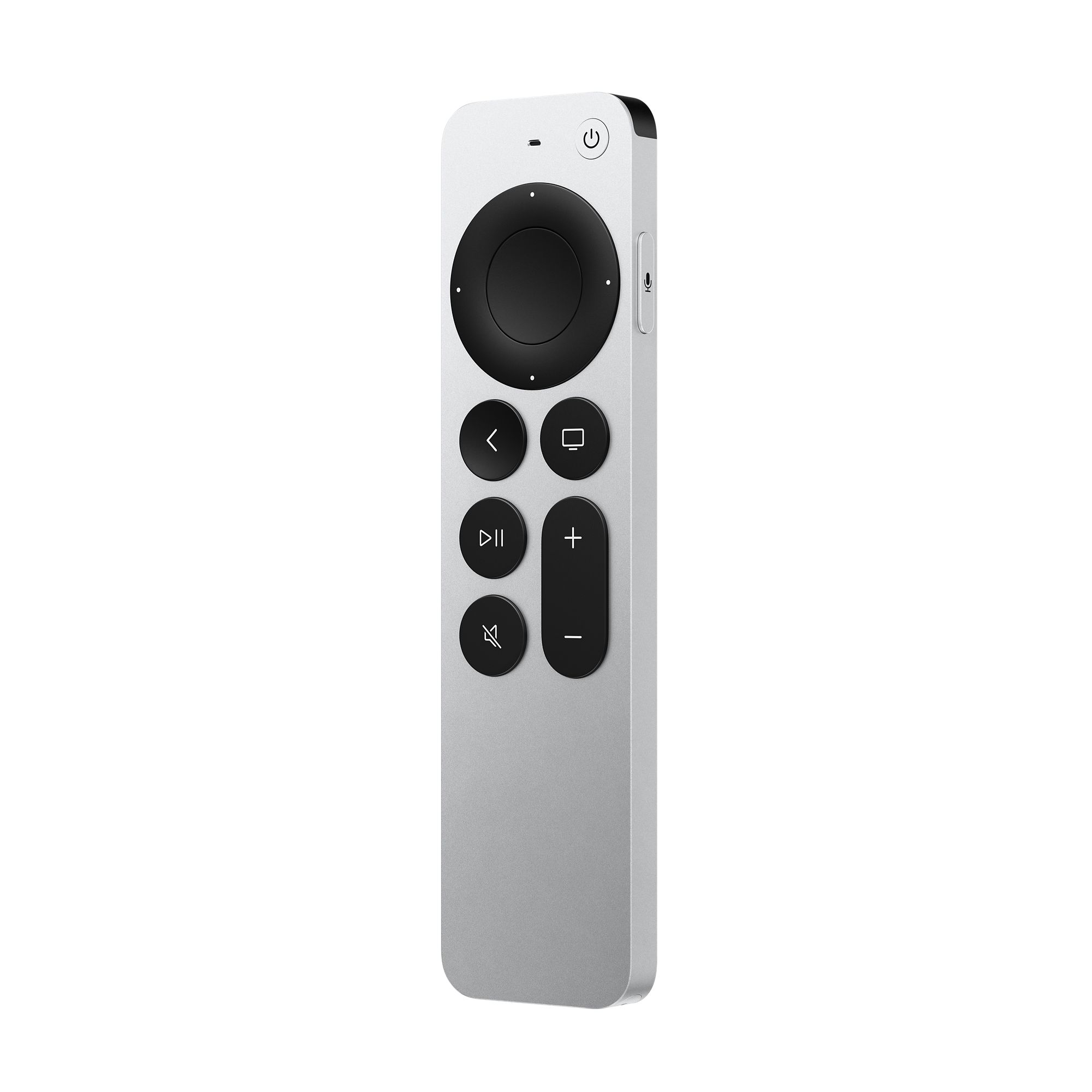
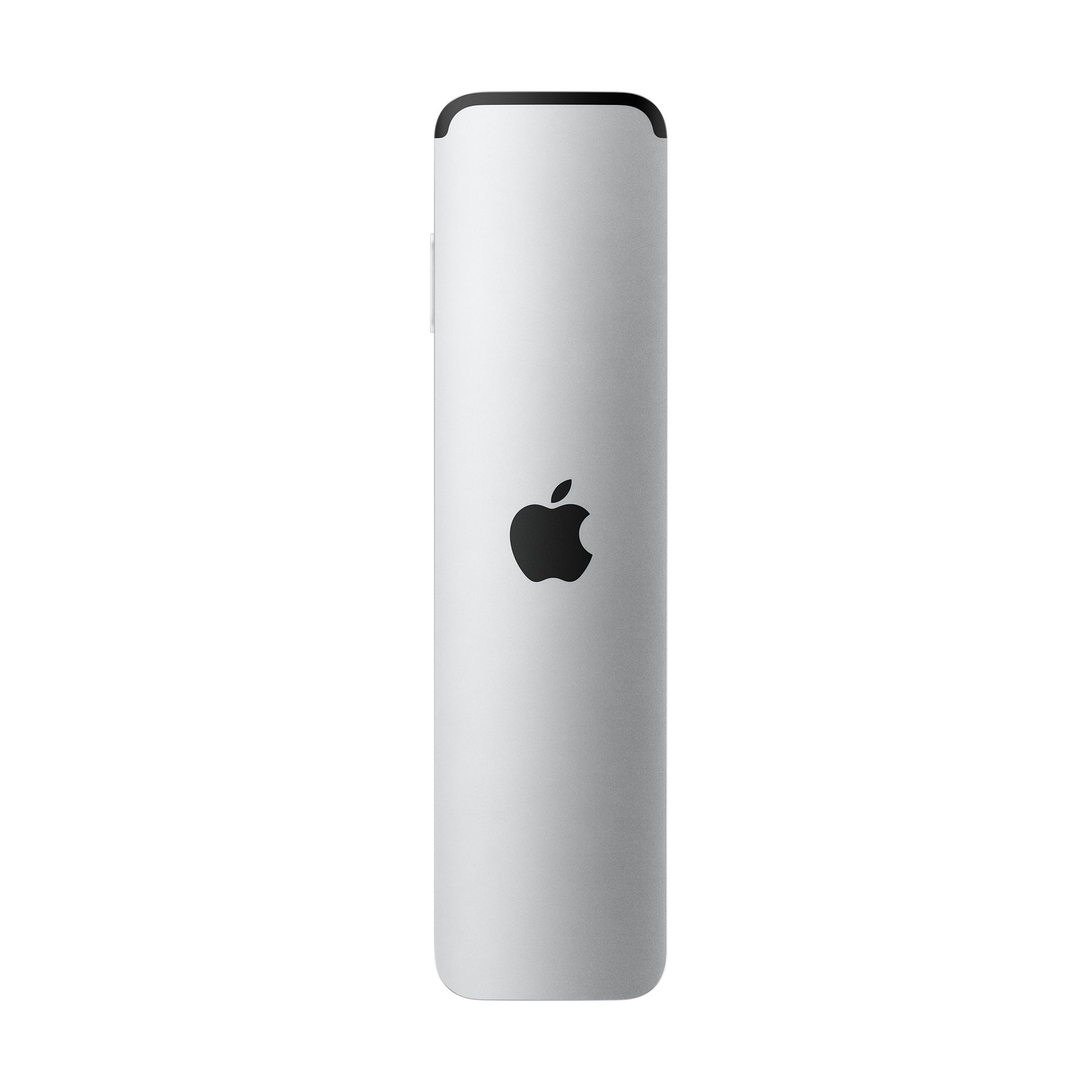
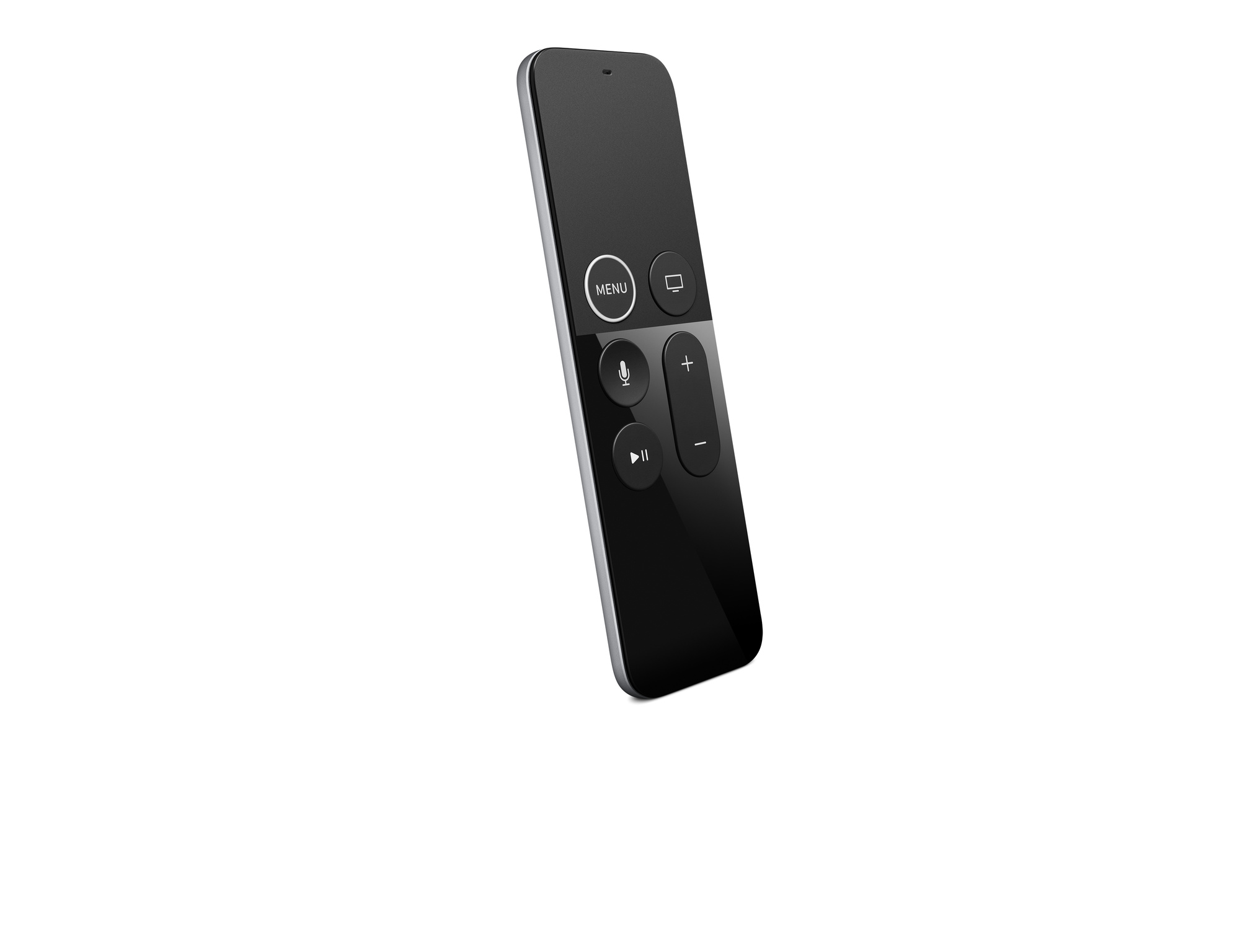
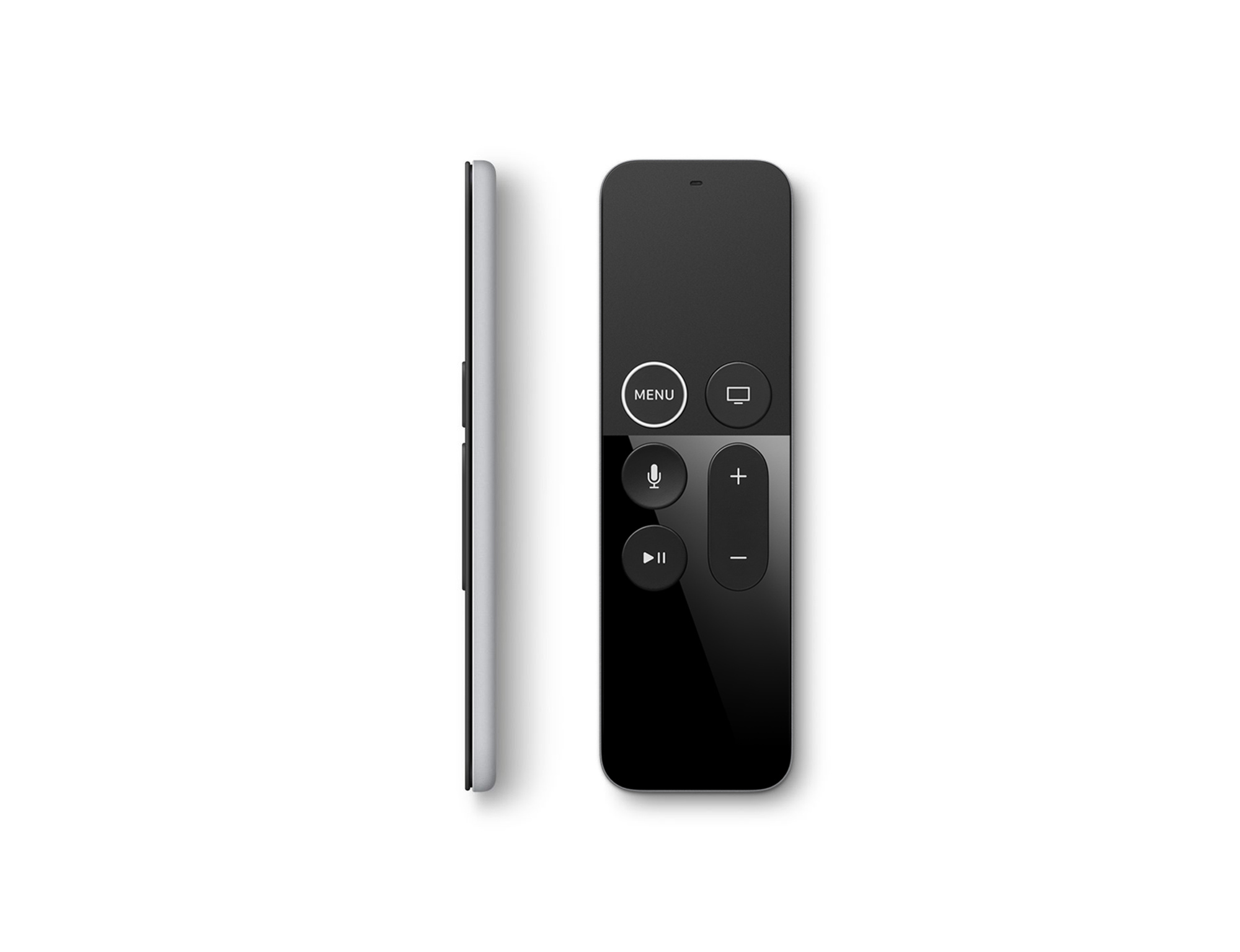
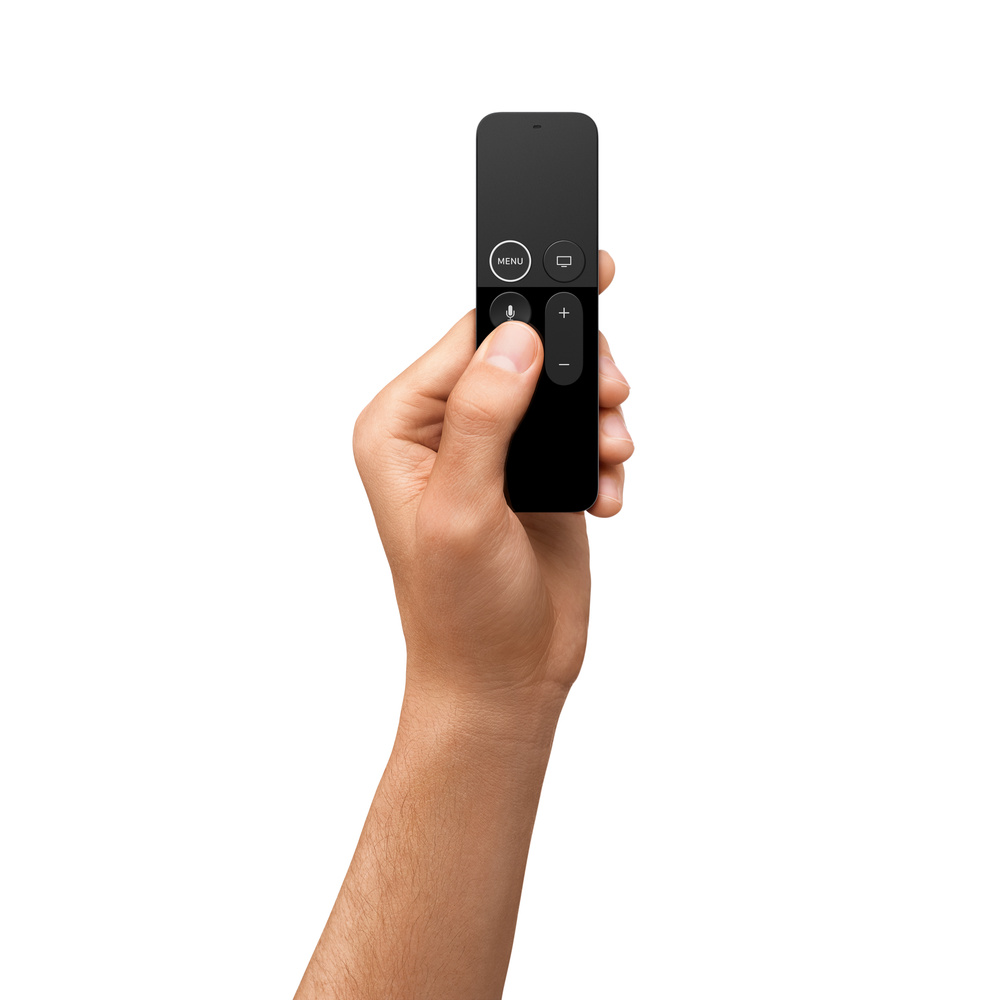
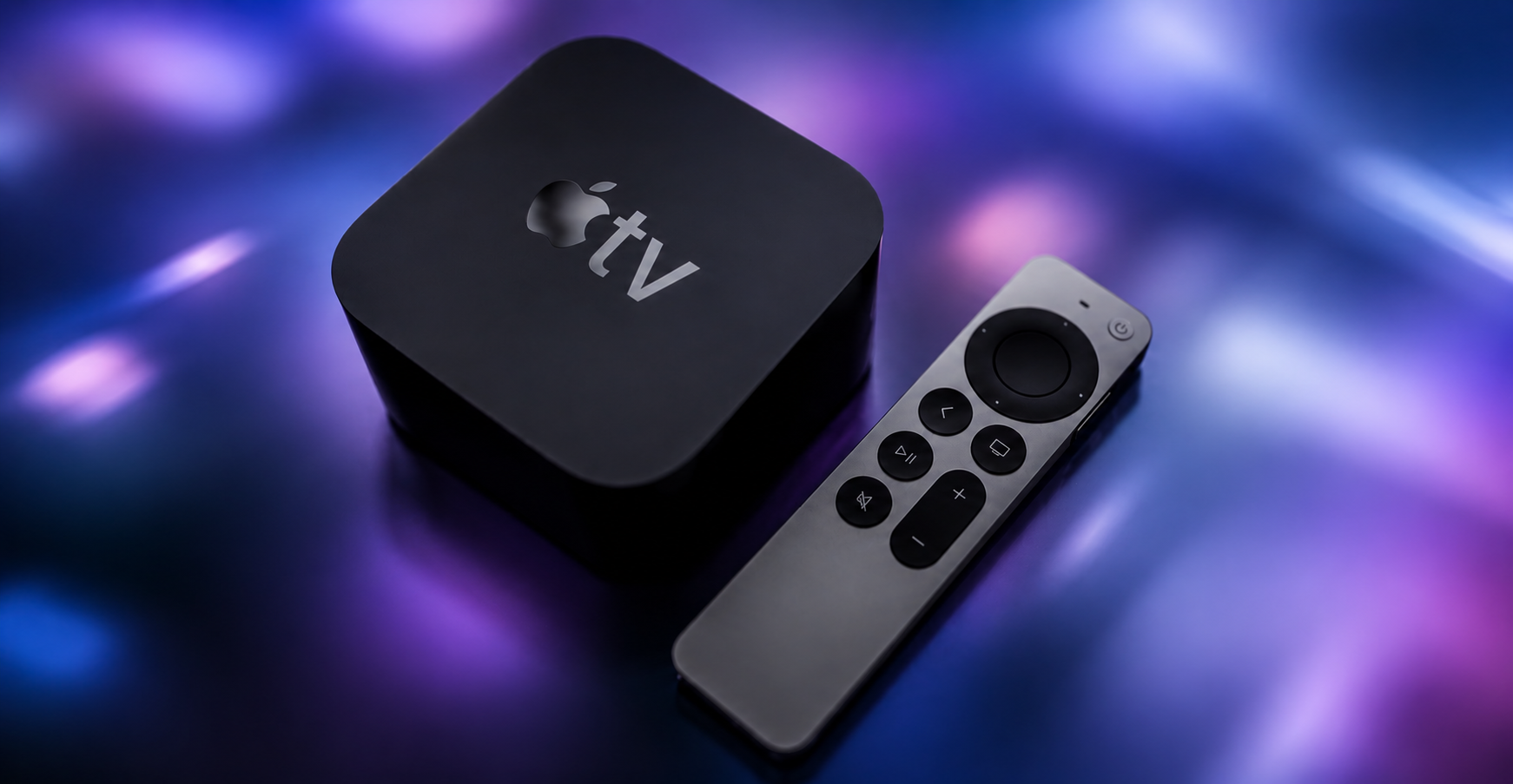
New driver Siri The remote feels great to hold and has the ideal number of buttons and controls that ensure intuitive navigation of the user interface. tvOSThe various gestures available on the control panel, i.e. the top circular controller, are practical and speed up the overall interaction. But the best part is that tvOS It allows you to pair any infrared remote control, so you can use that with your TV too, if that's more convenient for you.
Gallery





 Benjamin Levíček


 Jiří Filip
 Amaya Tomanová