
 Jan Vajdák
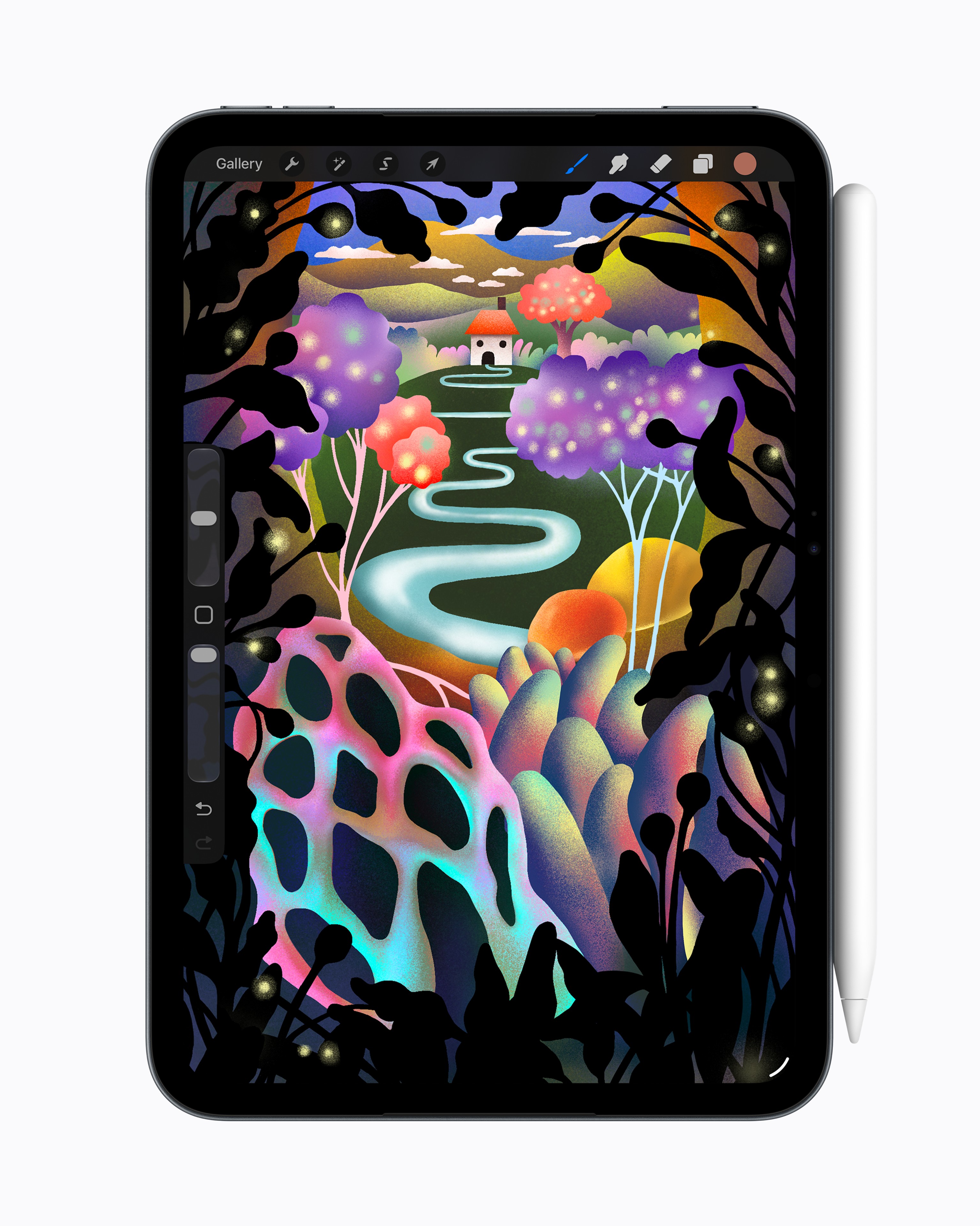
Canva has released the highly anticipated Affinity app for iPad, bringing its comprehensive graphics tool to Apple tablets, including a brand new Sketch Studio experience designed for touch and Apple pencil.
All in one interface with advanced controls
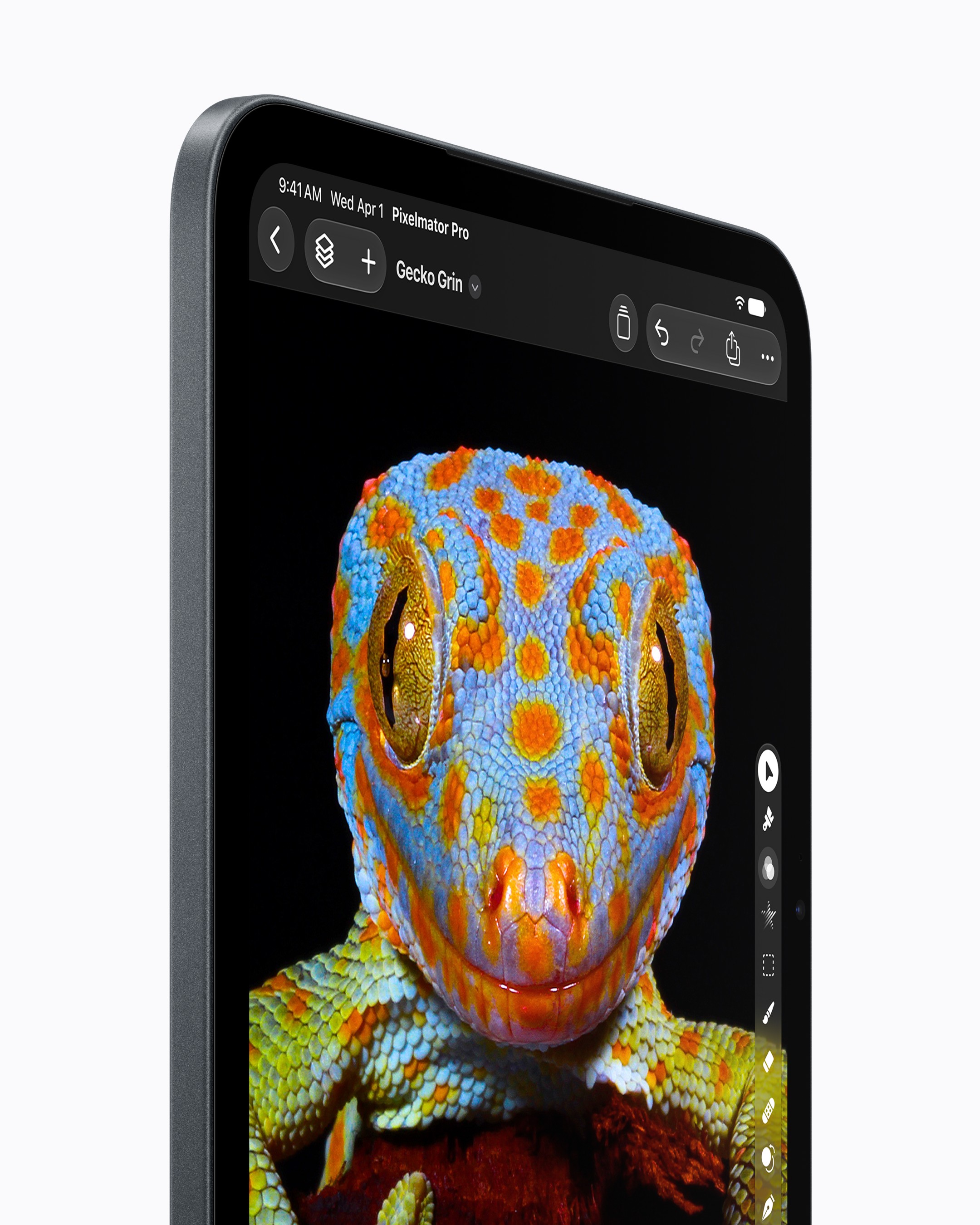
The new app unifies drawing, vector graphics, photo editing, and page layout into one seamless interface. Users can switch between Sketch, Vector, Pixel, and Layout while working on the same .af file, which can be opened seamlessly on a computer. The app was designed specifically for iPad and fully supports advanced features Apple Pencil Pro features like tap, hold, rotate, and of course pressure and tilt sensitivity. Plus, Sketch to Shapes automatically converts hand-drawn shapes into fully editable vectors, and photo editing tools help with precise selection of complex edges.
It could be interest you
 Amaya Tomanová
Free base, AI features only with subscription
Basic drawing, vector, photo editing, and page layout tools are available to individuals for free. All you need to do is create a free Canva account. Only the advanced AI-powered features that are locked into a subscription are paid for. Users with this plan get access to Canva AI Studio tools, including generative image expansion, upscaling, noise reduction, and the exclusive Decompose Layer feature to intelligently split a flat image into editable layers.
Gallery




Missing features and availability
Despite the shared file format, the iPad version lacks several advanced desktop features at launch. The official website states that tools such as sections are not available yet. Books, data merging, quick edits, macro recording and Astrophotography Studio, with more planned. The Affinity by Canva app is available for download at App Store and it requires a system to run iPadOS 18.0 or later.

 Jablíčkář



 Jiří Filip


 Benjamin Levíček
