Pavel Jelič
A few long months ago, Instagram started hiding the number of hearts, i.e. likes, for individual posts and views for videos. He did so for a simple reason – he wanted to point out that the world should not be governed by the number of digital taps on the display. According to Instagram, psychological pressure may even have been exerted on some individuals, due to their lower popularity, which should have been determined by the number of likes. Initially, Instagram started testing this feature in selected countries, but starting today, it is becoming available globally. So, how to disable the display of likes on Instagram?
It could be interest you
How to disable Instagram like count
Within Instagram, you can deactivate the display of the number of likes and the display of videos both for a new post and for one that you have already added for a long time. In addition, you can also disable the display of likes on posts from other users, regardless of whether they have the display of likes on or off for their posts. You can find all these procedures below.
How to disable Instagram from showing likes on new posts
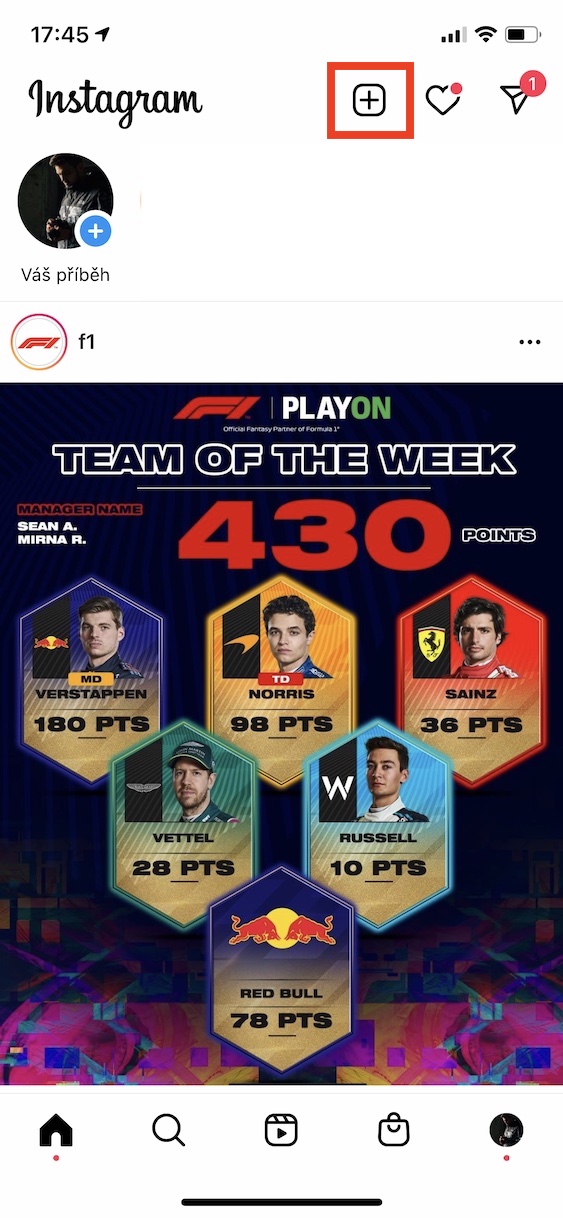
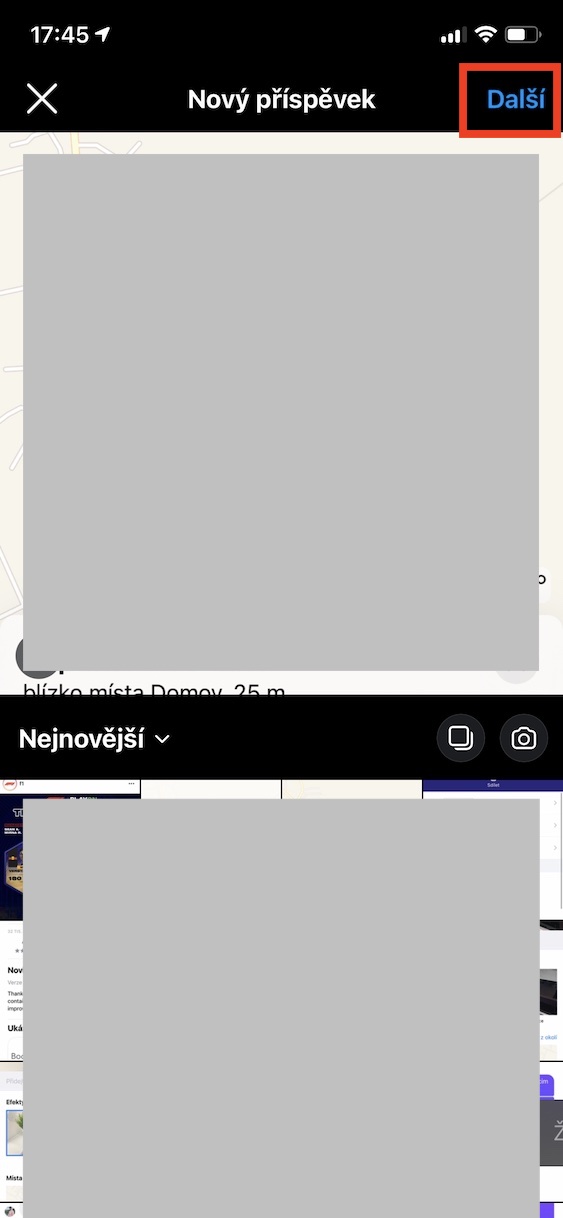
- On the main screen, tap at the top button to add a post.
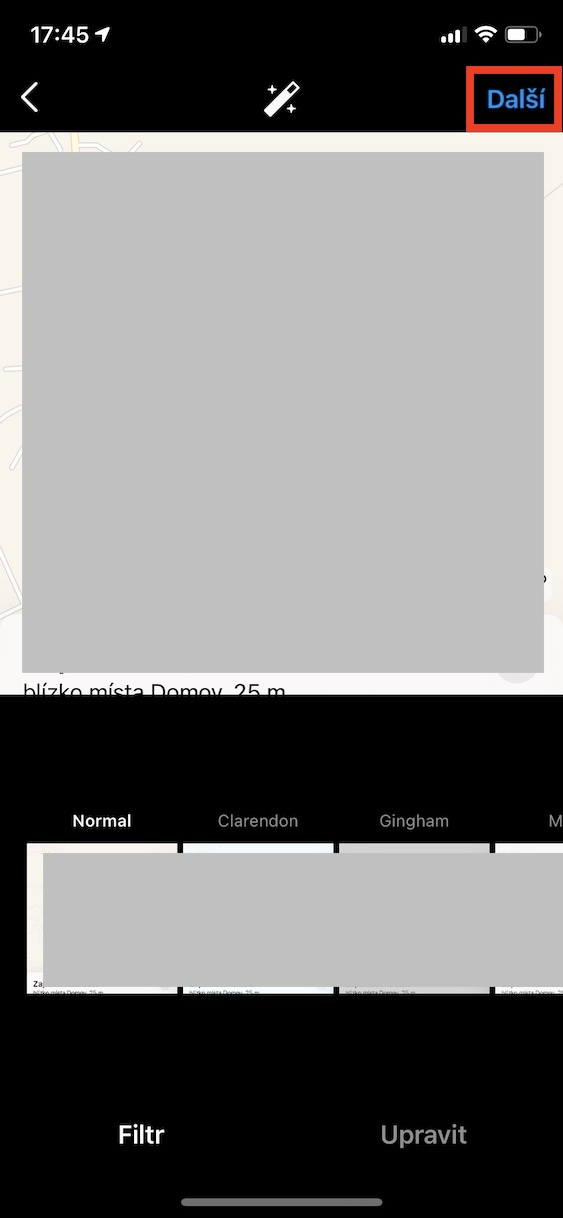
- In the classic way, select a post, then double-click on the top right Next.
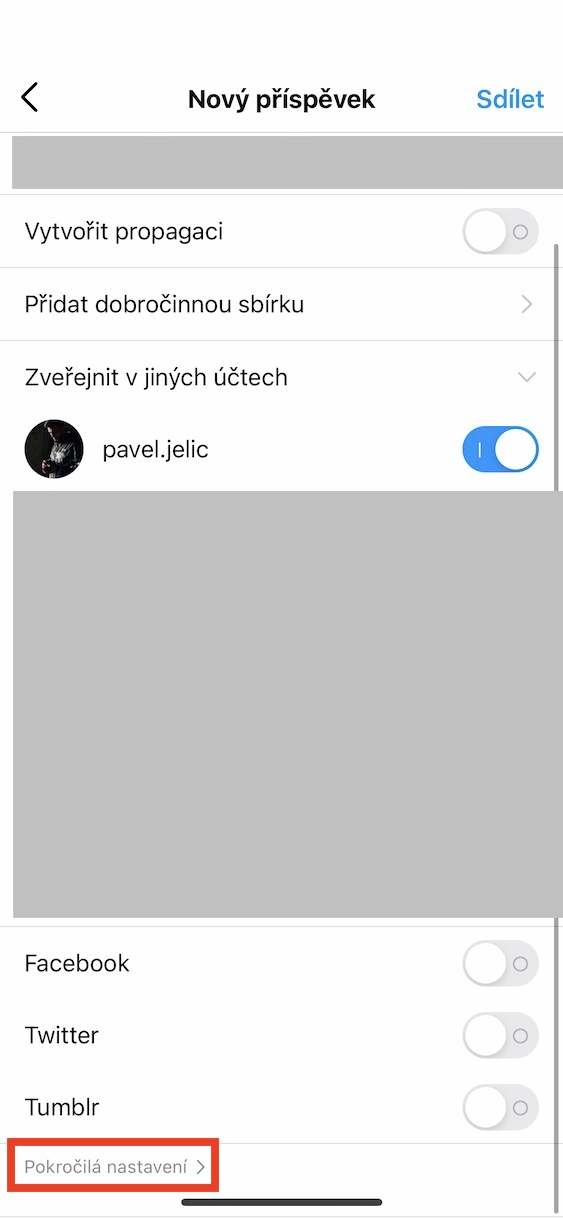
- You will be taken to a page with sharing options. Get off here all the way down and tap the small text Advanced settings.
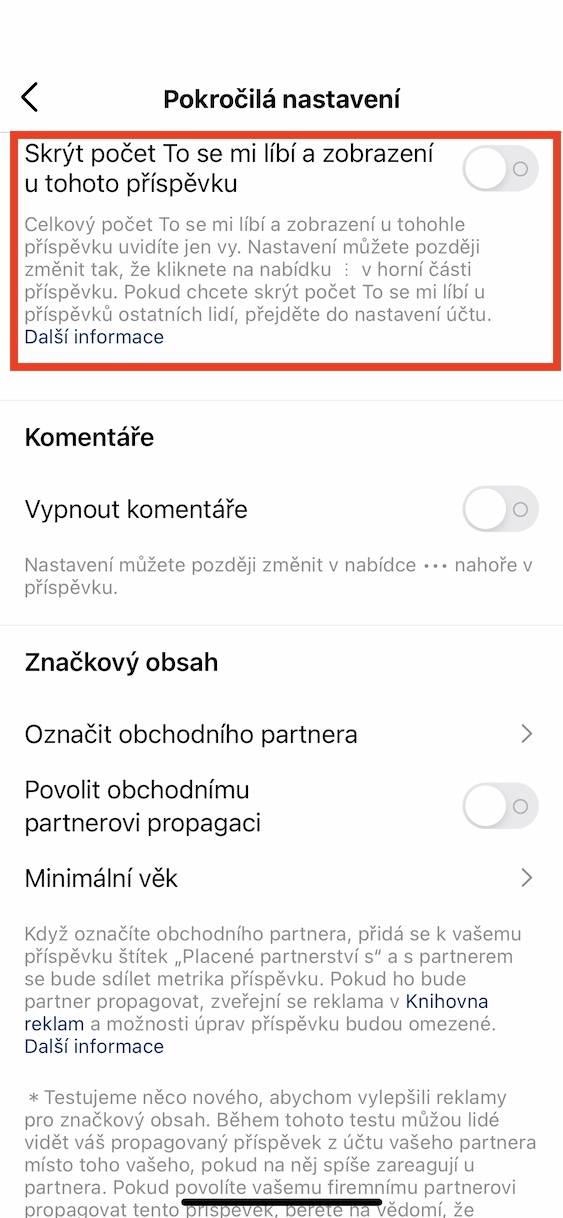
- Here it is enough that you activated possibility Hide count I like it and display for this post.
- Then with help darts top left return a publish the post.
Gallery

How to disable Instagram from showing likes on existing posts
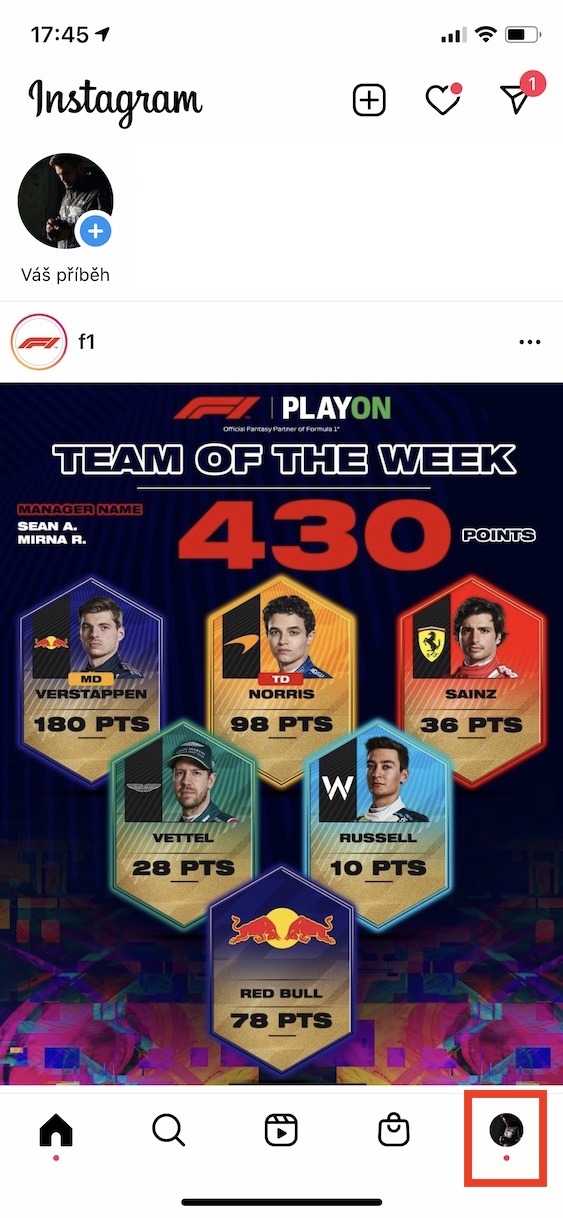
- Use the button in the lower right corner to move to your profile.
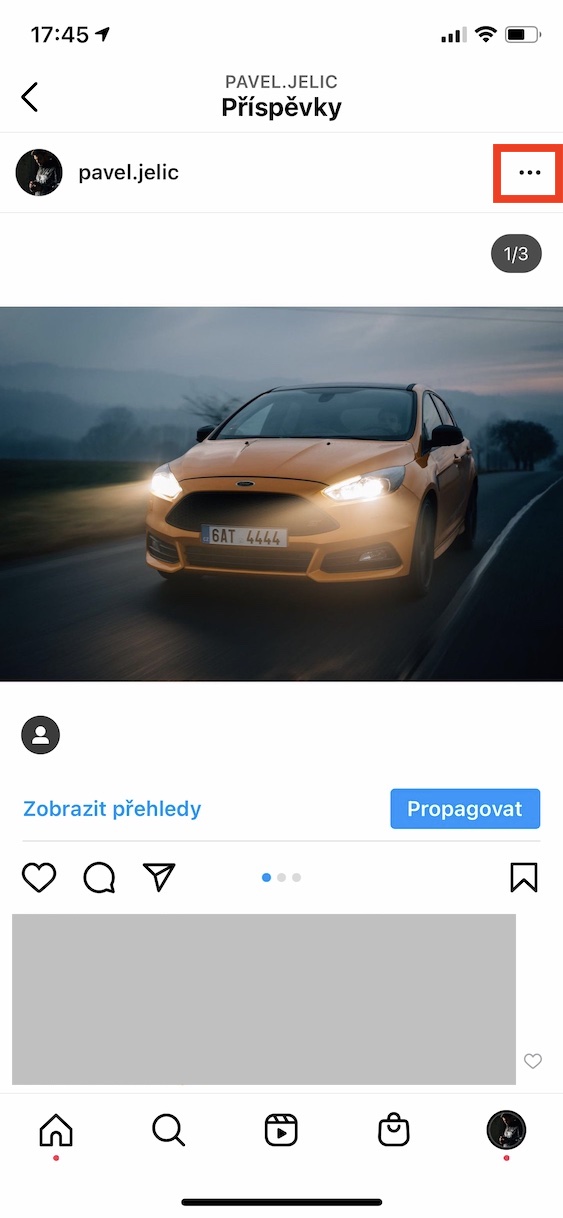
- Click on it contribution, for which you want to disable the display of Likes.
- Now in the upper left corner tap on three dots icon.
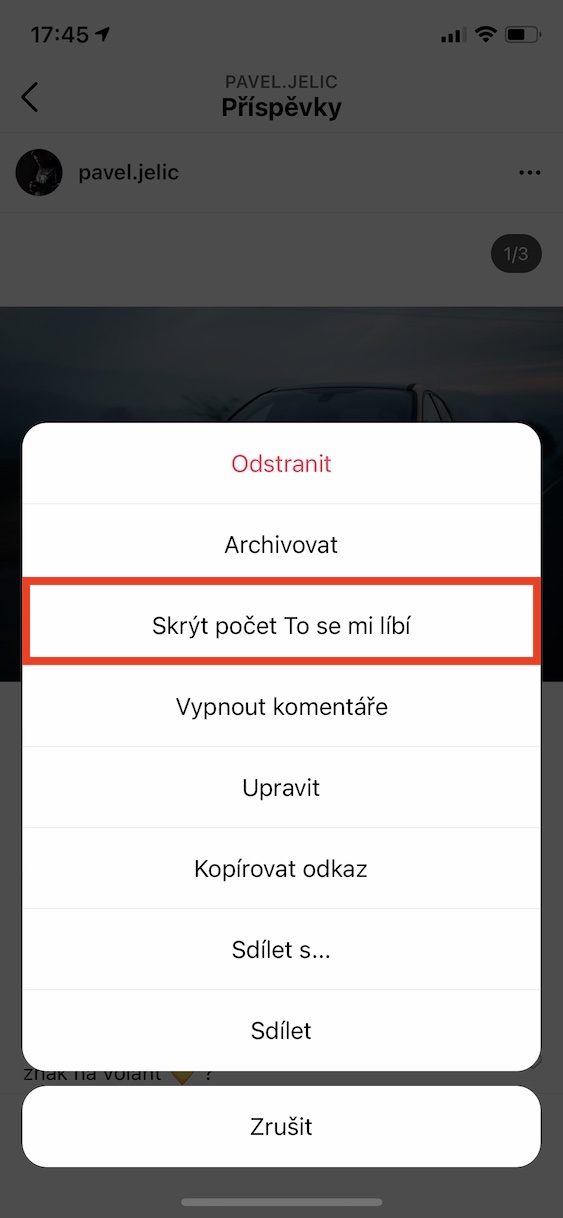
- This will bring up a menu where you tap on Hide count I like it.
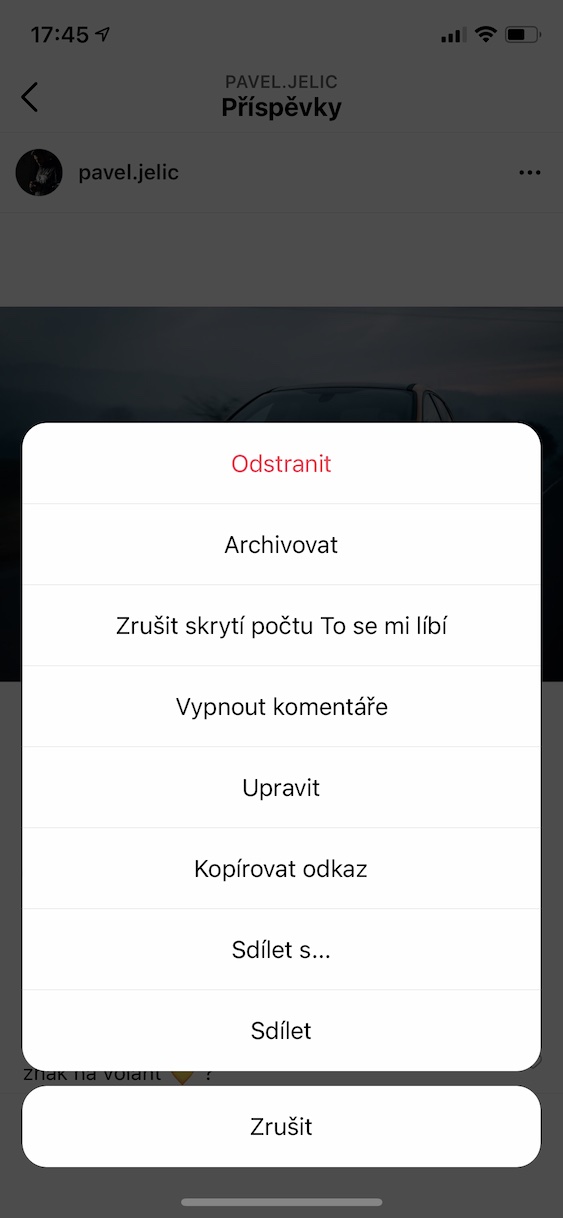
- In the same way, it is possible to reactivate the I like display.
Gallery
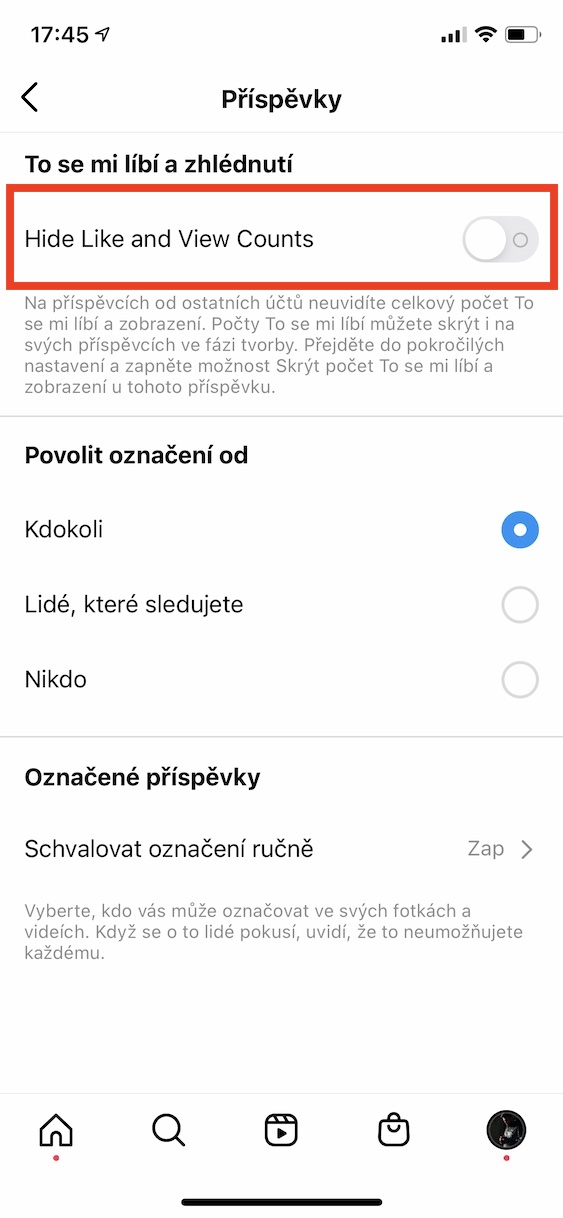
How to disable Instagram from showing likes on other people's posts
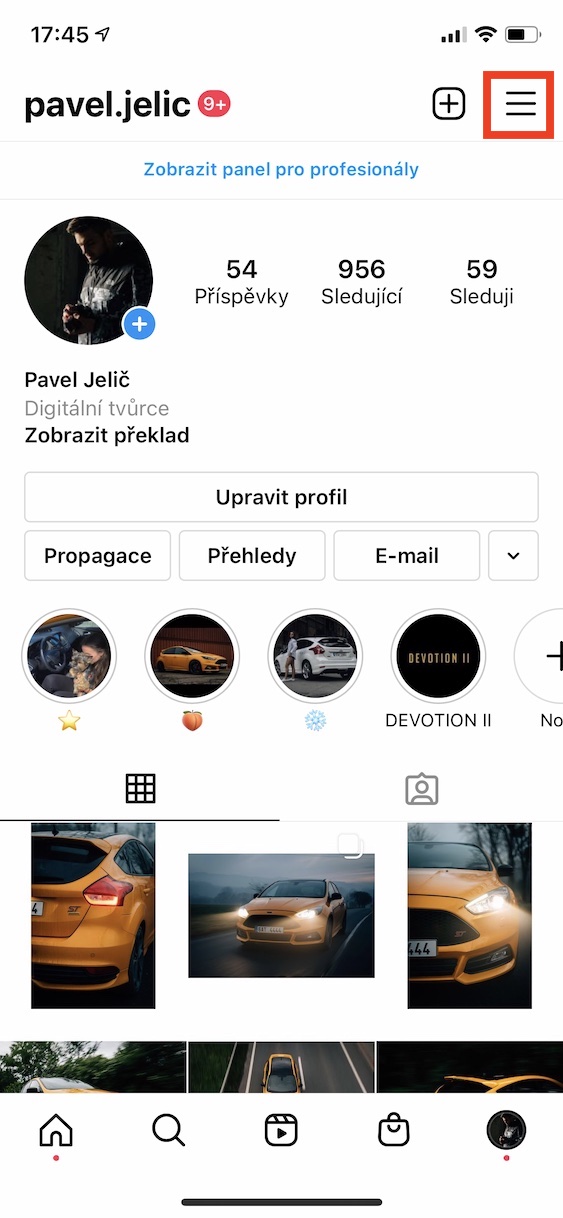
- Use the button in the lower right corner to move to your profile.
- Now in the upper right corner tap on three dots icon.
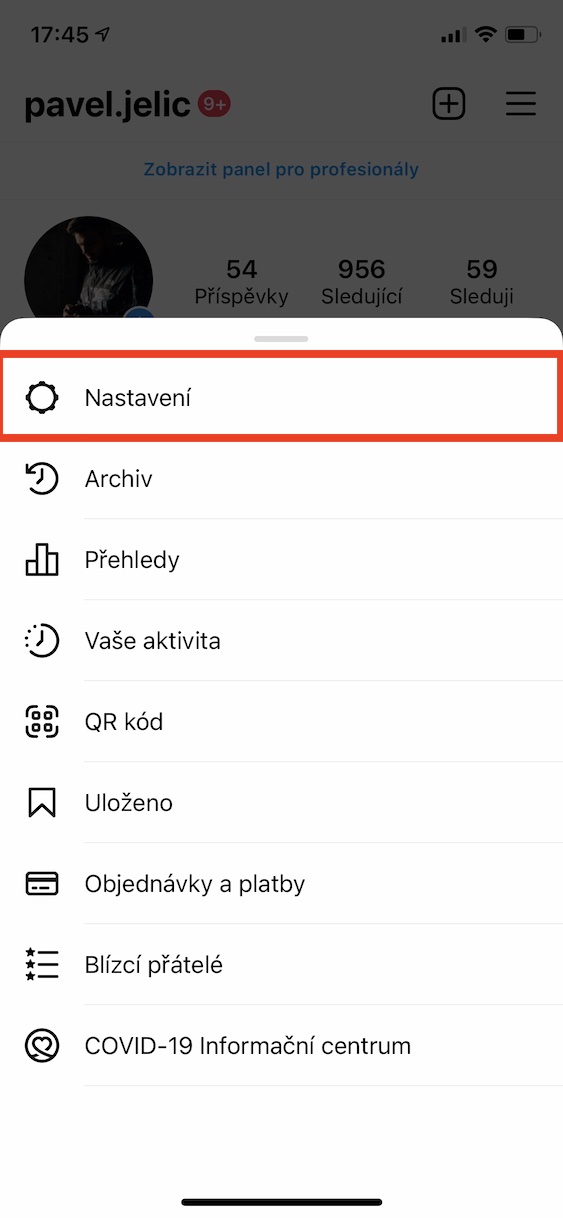
- A menu will appear, in which click the first option Settings.
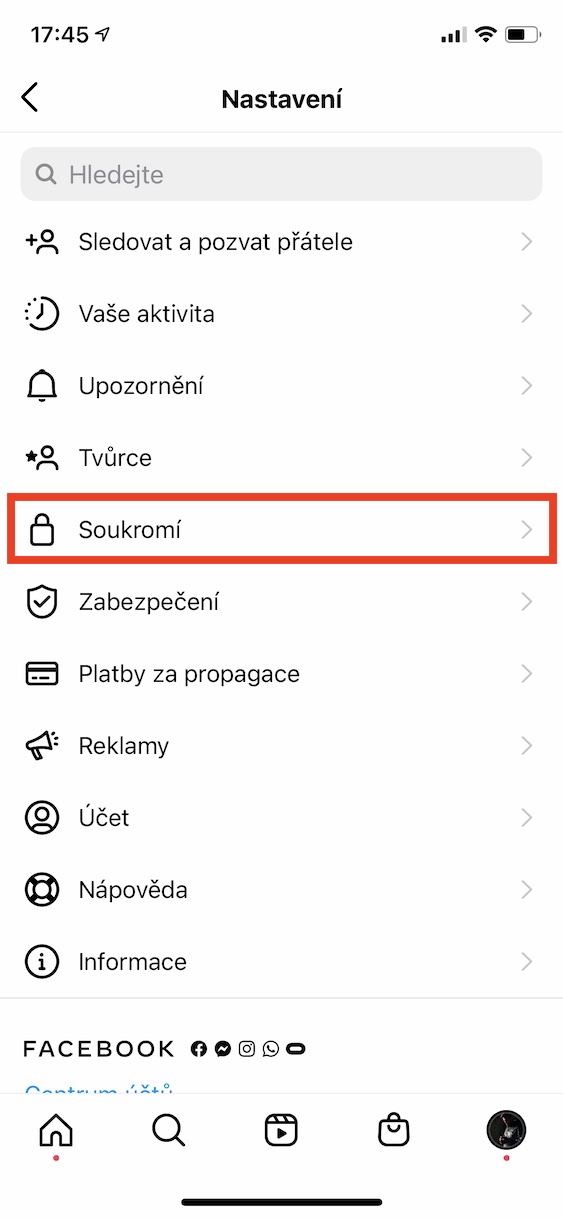
- Then on the next screen, move to the section Privacy.
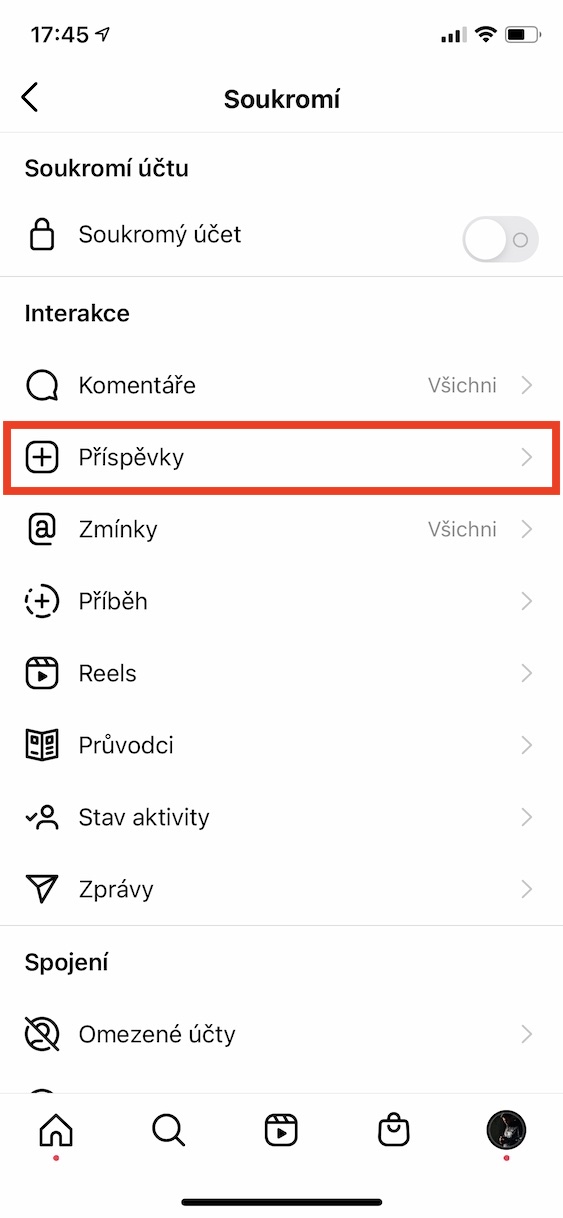
- After that, it is necessary that you open in the category Interactions Contributions.
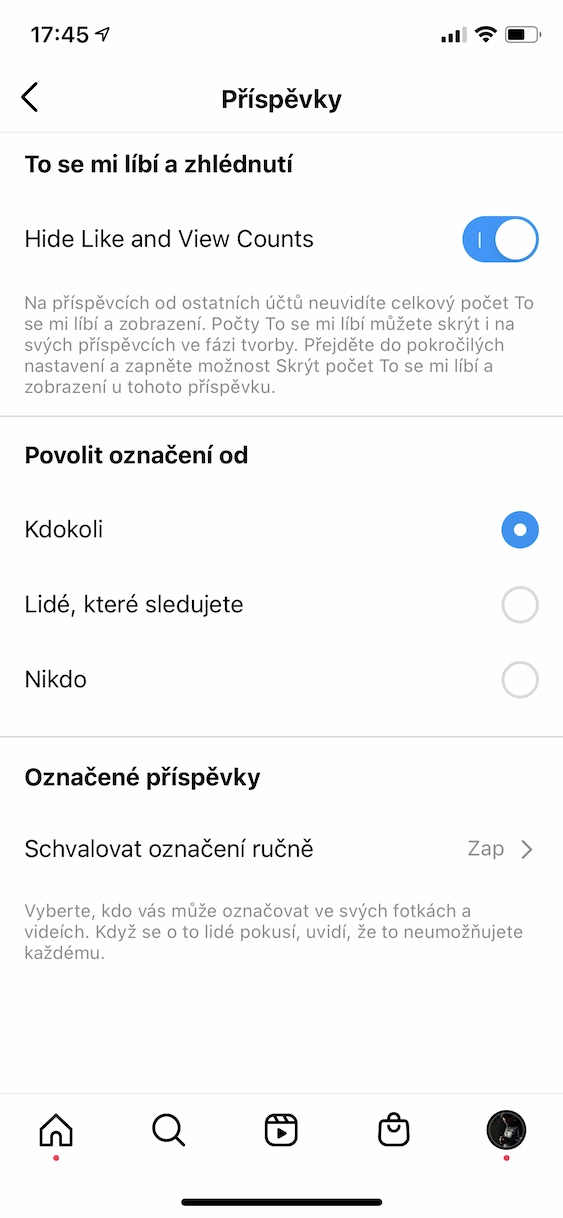
- Here it is enough that you have activated Hide Like and View Counts (will be honored).
Gallery
If the above methods don't work for you and you don't see the individual options here, don't worry. Instagram, like all other Facebook applications, releases new features gradually. So there's nothing strange about your friend having these features and you not. If you're impatient, you can App You can try checking the store for an update, or you can turn Instagram off and on again from the app switcher. If the new features still don't appear, you have no choice but to wait patiently.

 David Hanák


 Amaya Tomanová