Jiří Filip
 When switching from Spotify to Apple Music You won't lose most of your music - especially your own playlists and favorite songs. But the destination service has to find the corresponding recordings for them. During migration, songs are only copied to Apple Music, the original Spotify account remains intact.
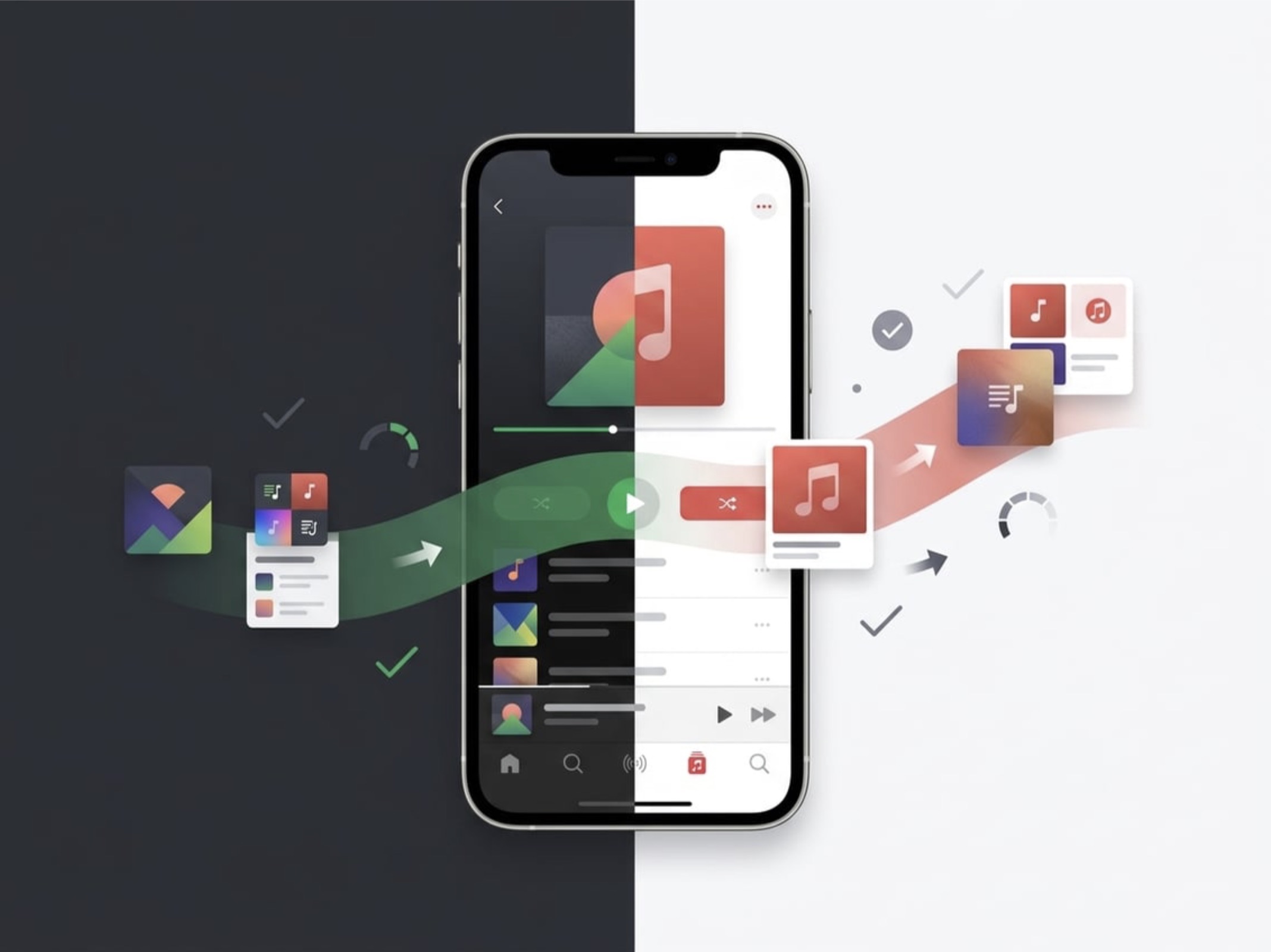
The move itself will save you a lot of manual searching, but each track needs to be matched to the catalog Apple MusicSo don't disable Spotify right away. Keep it active until you've had a chance to check out your new library.
Why listeners are switching from Spotify to Apple Music
Lossless audio, surround sound, and natural ecosystem engagement are the most common drivers for switching. AppleYou will only feel the difference in practice with suitable headphones, a fast connection, and on specific album releases.
Lossless audio, Dolby Atmos and connection with Apple devices
Apple Music offers lossless formats including Hi-Res Lossless, which preserves audio data without losing quality. However, listening in the highest resolution requires an appropriate converter and headphones and significantly increases mobile data consumption.
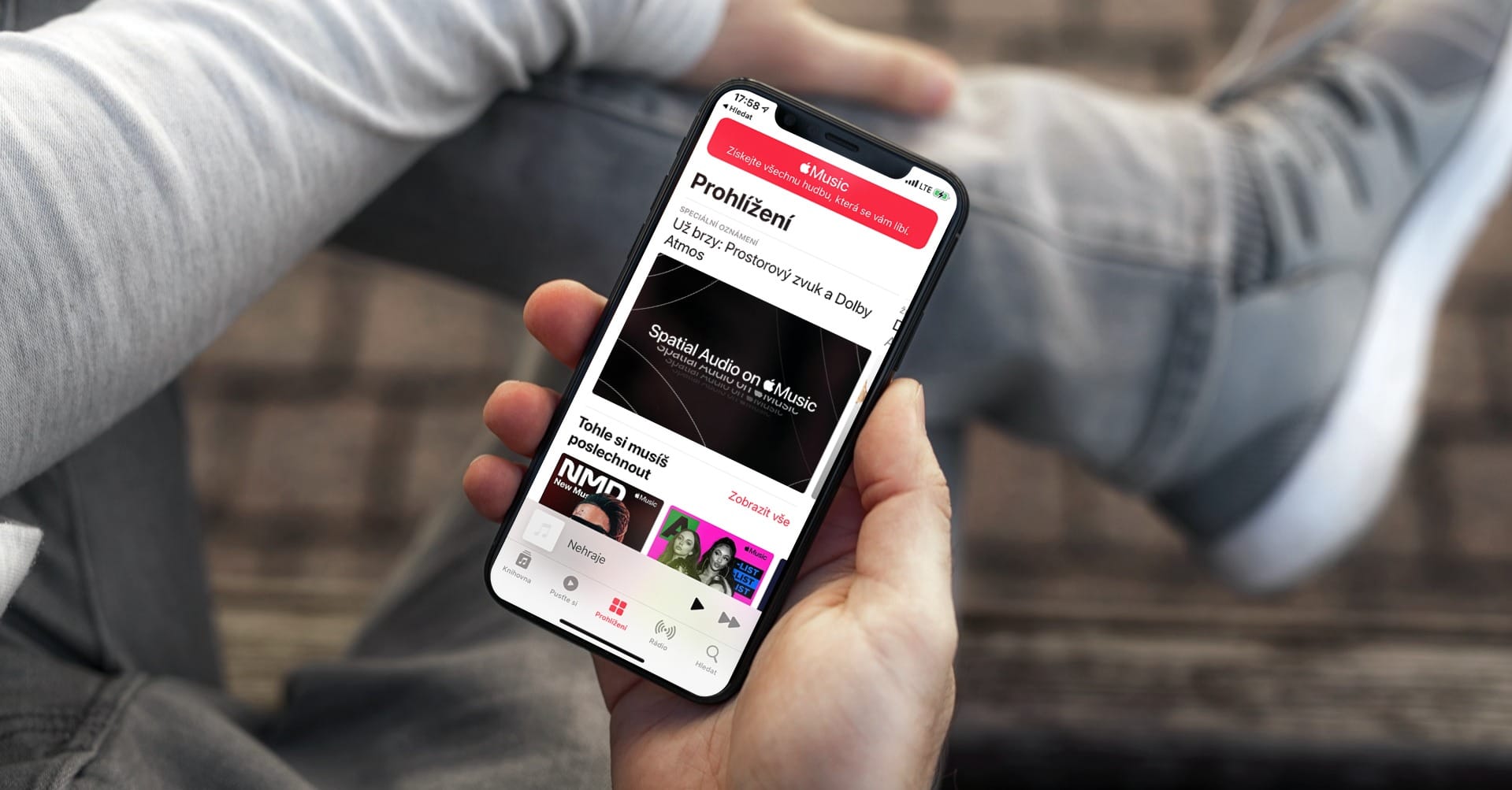
Supported tracks Dolby Atmos They offer surround sound if your setup can handle it. Not every album has a surround mix, though, so the offerings vary from record to record. You can also easily choose in the settings whether you want to stream lossless audio over your mobile network.
A big advantage remains the connection with products from Applu. The library is synchronized between iPhonem, iPad and Macem, so you can seamlessly continue the music you're playing, and you can even create playlists share and create together with friendsWhen making your decision, consider not only the sound quality, but also the devices you listen to music on most often.
What is preserved and what is not when moving a library
Do Apple Music you will only get songs that the system matches with its catalog. You will not be able to transfer your playback history or usage habits from Spotify. The resulting list may be a little shorter and you will have to search for a few things manually.
Custom playlists and favorite songs
You can convert playlists that you have created yourself quite easily. You can do this using the built-in function Apple Music, eventual transfer from Spotify to Apple Music via Paradify or similar tool.
The new service will create copies of your playlists, while they will remain unchanged on Spotify. The names will be preserved, but the specific recordings will be assigned according to the current offer Apple Music.
You can also transfer a collection of your favorite songs. After the transfer is complete, it's worth comparing the track counts in your selected playlists with the original. This will help you easily spot missing items or a different version of the album than you're used to.
Recommended mixes, local files, and regionally unavailable music
You can't transfer algorithmic selections like Weekly Discoveries as custom lists. These mixes are constantly evolving based on your behavior and Apple Music will not adopt Spotify's recommendation algorithm.
Problems will also arise with songs stored locally on your computer's hard drive, as they are not listed in the streaming service's catalog. The same applies to titles with regional licensing restrictions. You must download such recordings in Apple Music find them manually, or delete them.
How to start the transfer and check the found songs
You can start the migration itself via the built-in function Apple Music, if available in your version, or via a specialized tool. Before you commit the changes, review the list of successfully found and unmatched items.
Where to start the migration and what to choose
In settings Apple Music or look for the music transfer option in its web interface. Log in to your Spotify account, select the desired playlists or favorite songs, and confirm the destination.
The availability of this option varies by system and region. If you don't see it in the app, try the web interface or a trusted external service. For third-party tools, check in advance what data they require access to.
How songs pair and what to do with items not found
Pairing is done by artist, title, album and international recording code ISRC, which uniquely identifies a specific sound recording. However, different editions, reissues, or incomplete labels sometimes cause a different varianta songs, or the search fails completely.
Pay special attention to live recordings, remasters and selection albums. Find the missing piece in Apple Music directly and add it to the playlist manually. For large lists, it helps to check the total number of songs and randomly select the first and last few items.
What to set up after the transfer and how to get used to the new library
Once the transfer is complete, turn on library sync to make sure your music appears on all your devices. Then, over the first few weeks, you can fine-tune any inaccuracies and let Apple Music to know your taste.
Turn on library sync
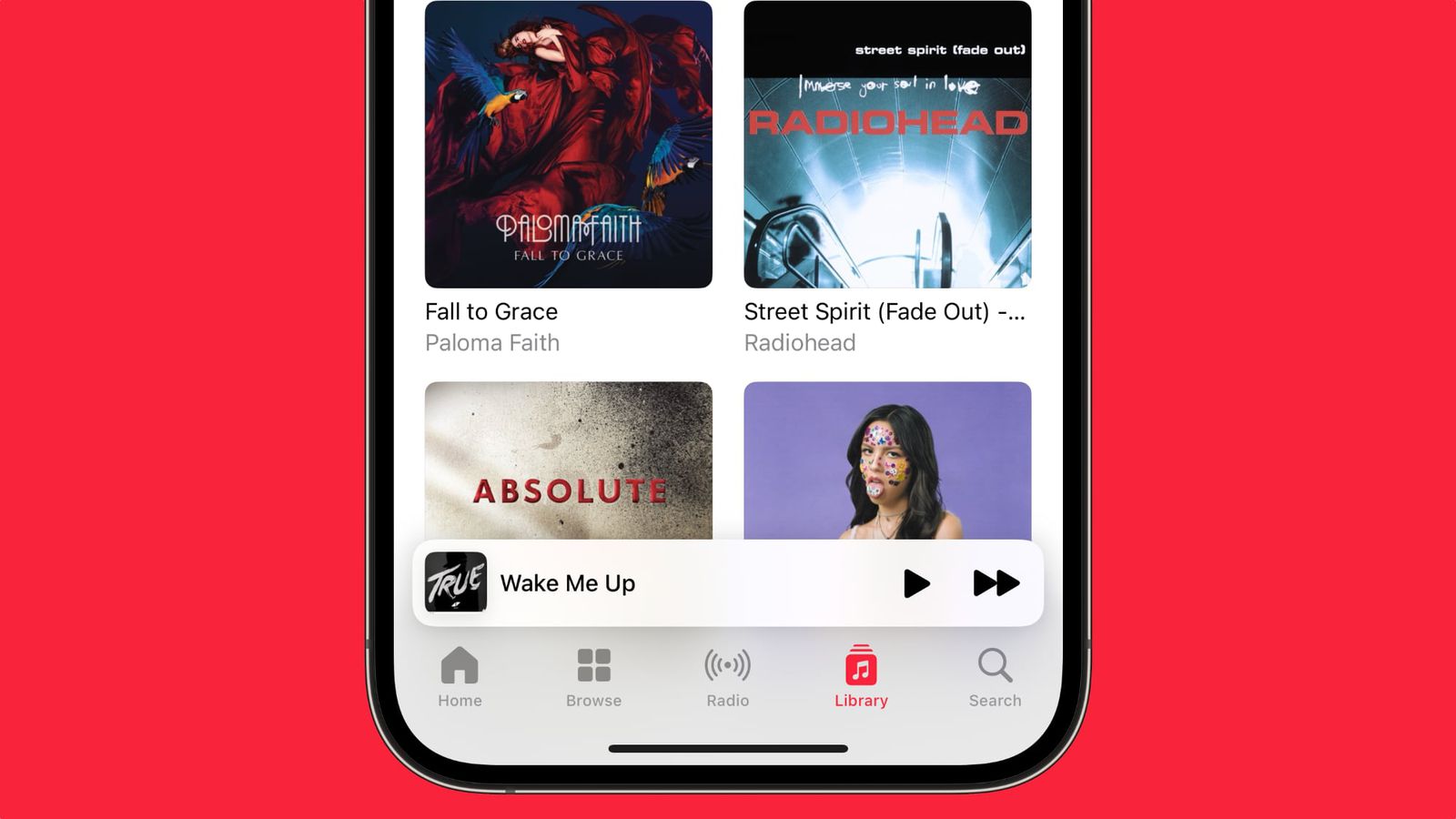
According to support instructions Apple to synchronize the library You can turn it on on your iPhone and iPad in Settings, in the Music section, on Macin the Music app settings in the General panel. Requires an active subscription Apple Music and logging into the same account Apple on all devices.
It takes a while for all playlists to be overwritten after you turn it on. If you don't see a playlist, check the sync status on the device you started the migration from. Download music for offline listening in Apple Music but it is a separate step – syncing transfers the records in the library, not the files themselves.
Checking playlists and recommendations during the first few weeks
First, go through the playlists you listen to daily and fix any mispaired versions. You can pin the most used ones to the top of your library , and for larger collections, work from your most popular tracks to those you play less often.
Recommendation algorithm Apple Music It learns from new listening and marking of favorite songs. Playlists transferred from Spotify do not transfer your previous listening history. Before you permanently close your old account, also make sure you have downloaded music for the journey.
Before canceling Spotify, verify your new library first
Cancel your Spotify subscription only when you Apple Music You can reliably find all your essential music. As long as you have access to your old account, you can easily find any songs that were lost during automatic pairing.
You don't have to check thousands of songs right away. Start with a few key playlists, check out a few familiar tracks, and try offline mode. Only when everything is working to your satisfaction can you safely leave Spotify.
Frequently Asked questions
Transfers from Spotify to Apple Music the whole library?
The complete library is usually not moved because Apple Music It will only include songs that it has on offer. Algorithmic mixes, local files from a disc, or region-locked titles will not be automatically transferred.
Will playlists and favorite songs be preserved after the transfer?
Yes, custom playlists and saved songs are included. Apple Music they will be copied if the tool finds a match. In Spotify, all content will remain in its original state.
What happens to the songs that Apple Music can't find?
Unpaired items in the new library will not be available for playback immediately. You can Apple Music search manually under another edition, or remove it from the listchat.
Is it possible to transfer music from Spotify to Apple Music available in the Czech Republic?
The availability of the built-in feature depends on the current support in the system and the selected device. If you don't see it in the interface, you can use the web version or a reliable external service.
Do I need to turn on library sync after the transfer?
Yes, without syncing your library, your transferred music will not appear on other devices with the same account. AppleYou turn it on in the Music app settings.
 Amaya Tomanová



 Jan Vajdák