Jiří Filip
Komerčná informácia: most Mac users already edit with machine learning, often without noticing. When the Photos app straightens a horizon, separates a osoba z pozadia alebo ukazujú všetky obrázky toho istého psa, a trained model is doing the work. The difference in recent years is that these models no longer just sort and select. Môže sa zmeniť teraz, čo je na obrázku.
Tieto zvyšky a praktické otázky pre anyone s foto library on a Mac. Ktorý jobs can the built-in apps handlem well, when is a dedicated editor otvorení otvoru, a kde robí nový typ nástroja fit v, druh, ktorý upravuje fotografický z written instruction? Odpoveď, ktoré sa riešia na softvéri, ktoré sa týkajú toho, čo druh znižuje foto needs.
Fotky App Does More Analysis Than It Shows
Fotky app hľadajú ako jednoduchý pohľad s veľkými slidermi, ale mnohy jeho inteligence sity nie sú na interface. It recognises tváre, objekty, scény a text v obrazoch, a že recognition powers search, Memories a option k kopii a snímok z jeho pozadia s right-click.
The editing panel benefits from the same analysis. The Auto button does not apply a fixed preset. It hodnotenia expozičné, kontrastné a farebné pre všetky fotografie individualne, a svetlo, farebné a čiernej a bielej ovládania každého majú ich automatické automatické nastavenie, ktoré sa zhoduje s obsahom the frame. Pre everyday corrections such as dull sky, a slightly tmavý interiér alebo žltá cast z indoor lighting, tieto nástroje sú fast a usually good enough.
Photos also edits non-destructively. Every zmena môže byť reverted do originálu v priebehu jedného času, even months later. Táto bezpečnosť net je easy to take pre granted, a it je worth keeping when the editing moves to other tools.
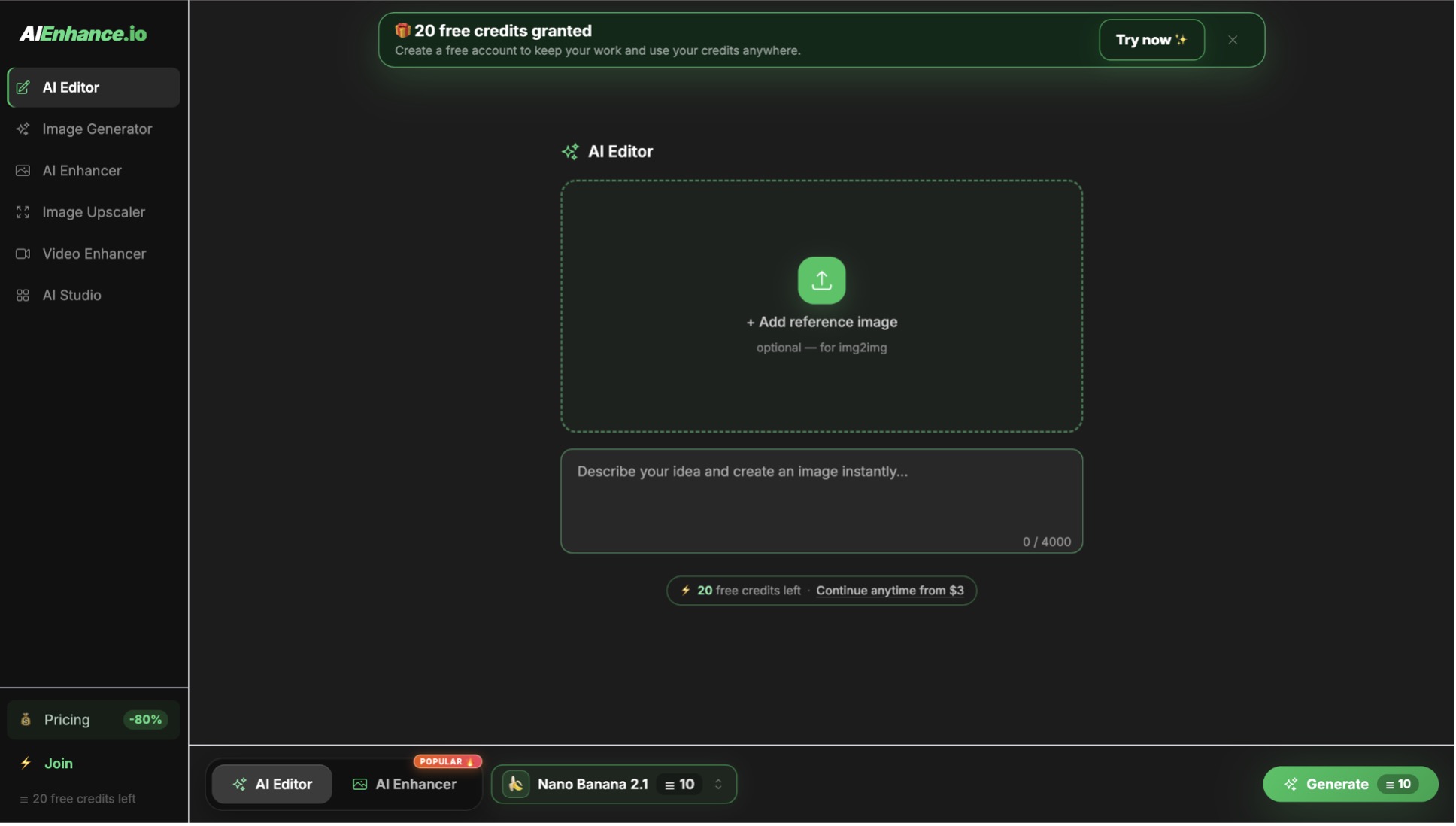
What Photos does not offer is miestnym ovládaním. Nie sú masky alebo layers, a nie spôsob, ako osvetliť jednu tvár bez toho, aby odišli z odpočinku the frame. Once upraviť potrebujú potrebu jedného partia z obrázku rôzne z iných, na stavbe app reaches its limit. Dedicated editors solu to s maskami, ako described below. A quicker route for a single change is a browser-based Editor AI, Ktorých takýmto spôsobom zmenšuje, ako sa píše inštrukcie, pre example “svetlo tváre na ľavej a ľavej pozadí as it is”, and runs in Safari without installing an application. Tento výsledok je generovaná interpretácia, je stále nepotrebná a kontrola na full size.
Clean Up Works Best on Small, Separate Distractions
On Macs that support Apple Intelligence, the Photos app includes Clean Up. Ide o suggests objects that look like distractions and lets you click, brush or circle anything else you want removed. The app then fills the area with content that matches the surroundings. Availability depends on the Mac model, macOS version, the system language and the región, so not every Mac shows the tool.
Clean Up is at its best with small items against afairly uniform background: stray turista na pláži, cable across a wall, a coffee cup at the edge of a table. Výsledky získajú zberateľ ako removed area rastu alebo pozadia získajú viac komplexov. Odstraňovanie osôb z predného vzorovaného dlaždice, zrážanie alebo text opustených listov smudged alebo repeated structure, ktorý je ľahký na spot pri obraze je zobrazený na úplnej veľkosti.
It is also a removal tool and nothing more. It cannot replace a sky, add object, zmení čas na deň alebo alter someone's clothing. Those requests need a different kind of model. Prompt-based editory described later in this article are built for exactly these requests.
Preview and Finder Handle the Quick Jobs
Some tasks Nechcem justify opening an editor at all. Preview can crop, resize, rotate and adjust colour, and it converts between formats such as HEIC, JPEG and PNG through File > Export. Recent versions of macOS can also remove a background directly from Finder through Quick Actions. This is handy when a product photo or a portrét needs a transparentné PNG for a presentation.
Automatic background removal works well when the subject has clean edges and good contrast against what is behind it. It struggles with fine hair, kožešiny, sklo, kúrenie a objekty, ktoré farebné sú zblízka na pozadí. For slide or quick mock-up result is usually fine. For a printed product catalogue, the edges deserve a closer look.
Dedicated Editors Bring Local Masks and Machine Learning
Keď sa editujú needs selective control, trid-party editors fill the gap the Photos app leaves. On the Mac, Pixelmator Pre, Adobe Lightroom a Photoshop sú v moste spoločné výbery, a všetky sú zahrnuté machine-learning features alongside traditional tools.
Pixelmator Pre runs its ML Super Resolution, ML Denoise and ML Enhance features on the Mac itself, using Apple's Core ML framework and the Neural Engine in Apple silicon. Lightroom môže maska subjekt, obloha alebo individuálne ľudia automaticky, s ním môžete adjustovať všetky 1 separately, a ich AI denoise also runs locally. Its Generative Remove feature, a Generative Fill in Photoshop, use Adobe's cloud service instead.
Tieto applications reward experience. Masky, layers a blend režimy precízne výsledky, ale majú čas na learn, a most úpravy still happens by hand, región by región. For fotografov who edit regularly that investment pays off. For someone who wants to zmení jeden foto pre family album alebo online shop listing, it is often more than the task requires.
Prompt-Based Editing Changes the Starting Point
A novej kategórie editora skips sliders and selections and starts from a sentence. You describe the result you want, for example “make it look like late afternoon, with warmer light on facade and longer shadows”, and an image model produces a version of the photo with that change applied. Pozadie replacement, relighting, removing or adding objects and restyling a scéna môže byť requested v samotnej ceste.
Tieto nástroje usually run in the browser, which suits the Mac well. A veľký displej má byť mnohý easier, aby si vybral pôvodný a výsledok bočnej strany, a zoom in on edges, hands and text where generated changes tend to go wrong. Most of them work in Safari or any other browser without installing an application: You drag foto do stránky, describe zmena a načítať výsledok ako nový súbor. Because the processing happnos on a server, it is sensible to check how a service handles uploaded files pred use it pre private alebo confidential pictures.
Quality of results depends heavily on the instruction. Vague requests such as “make it better” leave the model too much freedom a often change things you wanted to keep. Špecifické requests work better, zvlášť keď ich štát, ktorý musí stať samej: “replace overcast oblohy s čistou modrou jednou, keep stromy a budova unchanged”. Ktorý cieľ je s najväčšou pravou, ale jedna oblasť je zničená, a krátky follow-up o tom, že oblasť usually beats rewriting the whole prompt.
Generatívne úpravy sú interpretované, no measurements. The model inventy plausible pixelov, so lettering on signs, tvaru hands, vzory on fabric and reflections in windows potrebovať careful check. Je to normálne generovať dve alebo tri verzie a čítať jeden, ktorý holds up at full resolution.
On-Device and Cloud Processing Suit Different Photos
Apple silicon made local machine learning genuinely fast. Denoising, upscaling and subject selection that once took minutes teraz končí v sekundách na notebooku, a fotografie never leaves the machine. Pre prirodzené materiály, dokumenty, alebo fotografie iných ľudí, deti, ktoré matters.
Cloud processing has advantage of model size. Veľké generatívne modely potrebujú viac pamäte a počítača, ktoré majú laptop provides, tak tasks such as replacing a celé pozadie alebo obnovenie osvetlenia scény usually run on a server. Trade-off je privacy and dependence on a connection. The two approaches coexist in practice: Quick corrections and sensitive files stay local, and heavier generative edits go to a cloud nástroj pri foto je kompatibilný s pridaním.
Colour Management Still Matters After an AI Edit
moderné Mac zobrazujú širokú škálu P3 farebných priestorov, a fotografie z najnovších telefónov a kamery nachádzajú kontinuálne farby mimo older sRGB range. Pripravené fotografie sa exportujú na web, a mismatch medzi farebnými priestormi môže byť ukázaný duller alebo svetlo shifted na iné obrazovky.
Pre obrázky, ktoré sa budú publikovať online alebo zasielať ľudia na iné devices, exportovať v sRGB is safest choice. Preview's Export dialóg a most editory rokov you set the color profile, and the Export dialóg v Photos offers a Most Compatible colour profile that converts to sRGB. Ak AI-edited image sleduje rôzne po stiahnutí, compare it s originálom na samotnom displeji pred načítaním modelu zmenšených farieb.
Display settings affect judgement too. True Tone a Night Shift šíria skriňu na farebnú teplotu, ktorá je pohodlná pre čítanie, ale misleading pre farebnú prácu. Turn them off temporarily when colour accuracy matters.
A Mac Workflow That Keeps the Original Safe
Najbezpečnejšie approach kombinujú nástroje pre každý nástroj a hľadajú zdroj súboru na všetkých krokoch:
- Make basic corrections in Photos first, since ich môže byť reverted.
- Us Clean Up pre malé rozpory, a pripravený editor pri tej istej časti image needs adjusting.
- Pre veľké zmeny, export a kópie s File > Export > Export Unmodified Original and use that copy in the AI tool.
- Povedzte si, že výsledok je plný, paying particular attention to edges, text a tváre.
- Importujte editovanú verziu späť do Photos ako oddelený obraz, a doplnokword such as “AI edit” so it aj s easy to find later.
That last step is worth the extra click. A foto library je long-term záznam, a niekoľko rokov od teraz to prispieva k tomu, ktoré snímky show a scény as to bolo a ktoré boli zmenené afterwards. Pre anything used as documentation, such as the condition of a product, a characteristics listing or an insurance claim, material generative changes should be disclosed. Removing dust from a lens aj s retouching. Priblíženie sa západu slnka, ktorý bol never, je rôzny druh upravovať, a ľudia hľadajú na foto deserve to know.


 Patrik Pajer