Amaya Toman
 How to find out if yours are AirAre the pods fake? If you AirYou can purchase the pods at the official e-shop AppIf you buy them from a dealer or an authorized dealer, the chances that they are not genuine are practically negligible. However, if you buy them second-hand or someone gives them to you, there is a certain probability.
It could be interest you
 Adam Kos
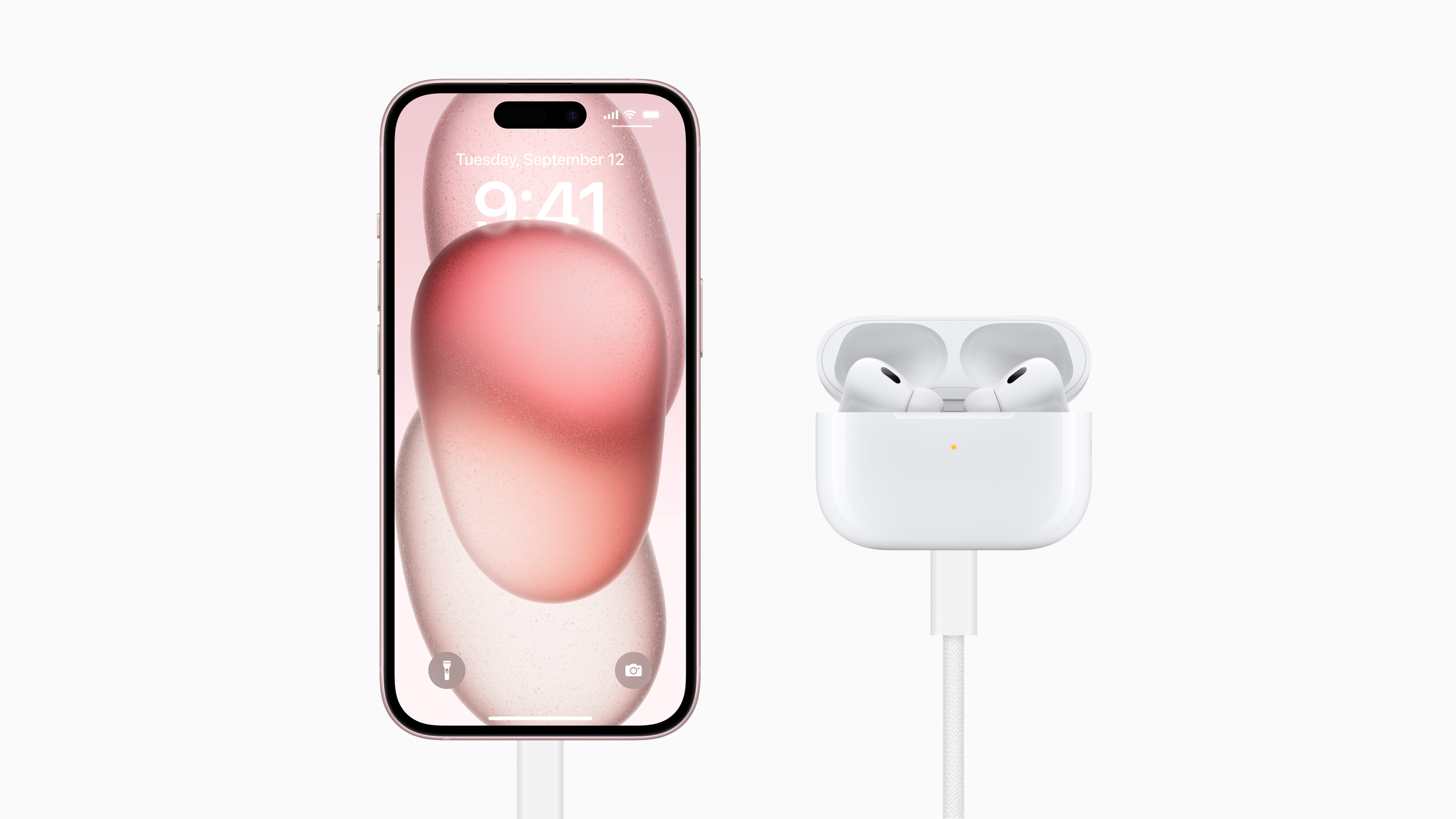
 Suspicion of inauthenticity AirYou might be attracted to Pods by their appearance, weight, or how they (don't) work. You can definitely verify their authenticity directly on your iPhone - in today's article we'll tell you how to do it.
Counterfeit products are not a new problem, but counterfeit headphones often appear on sales platforms AirPods ProThe high price and high demand for this product make AirPods Pro ideal for counterfeiters due to the good profit margin even after the high costs of counterfeiting. But of course there are a lot of counterfeits circulating around the world counterfeit basic models AirPodsIf you have already AirYou have purchased the pods and now doubt their authenticity, follow the instructions below:
The first step should be to find the serial number – this should be found on the packaging AirPods. Then enter this number on the website Applu.
- if you are AirThe Pods came without a box, open the headphone case and grab your iPhone.
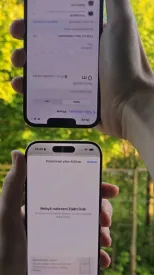
- On iPhone, run Settings -> Bluetooth and tap ⓘ to the right of the name AirPods.
- Now comes the moment of truth: In case you got the fake ones AirPodum, the text will appear at the top of the display "Unable to verify that these headphones are genuine" AirPods. They may not behave as expected.”
Gallery
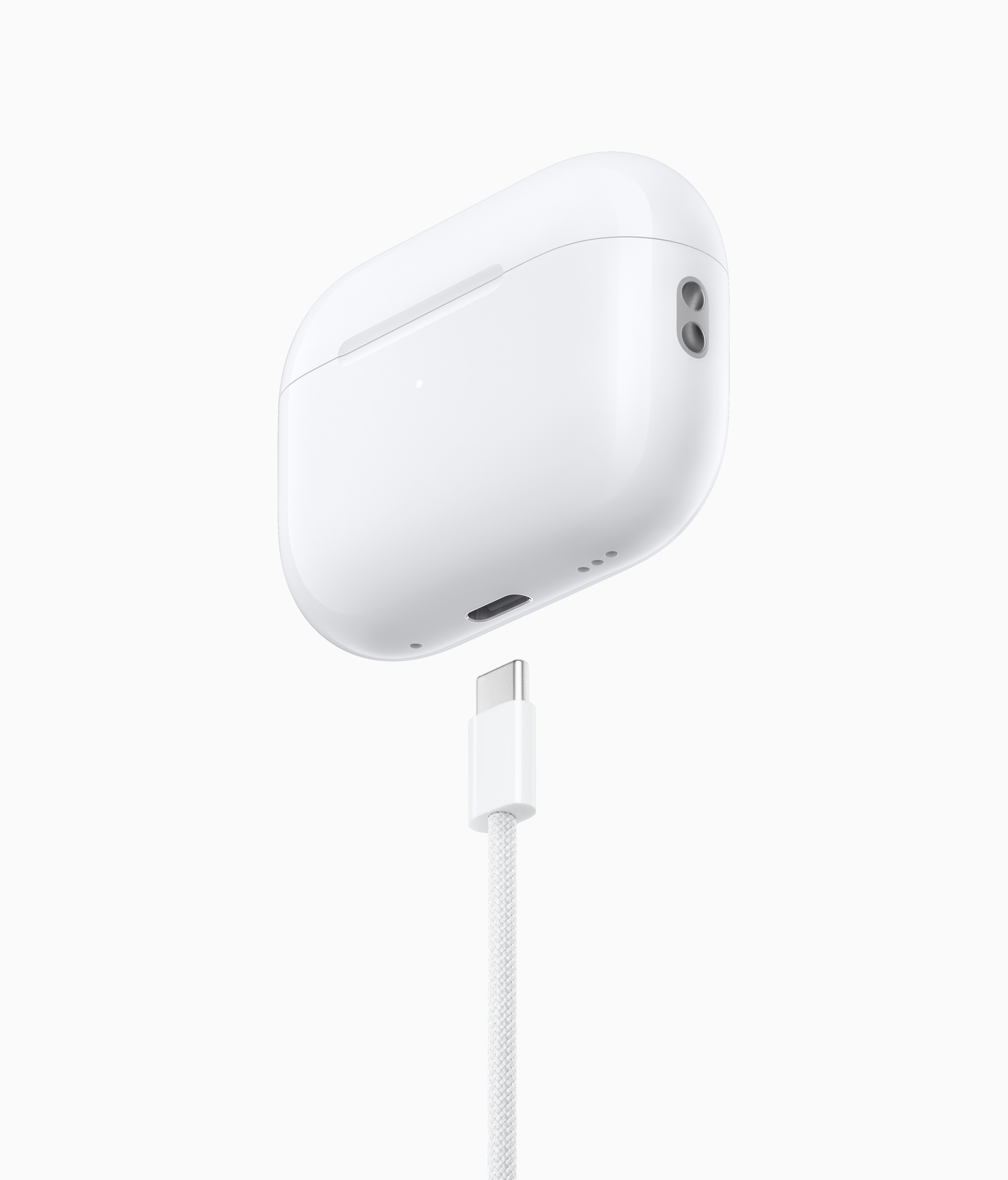
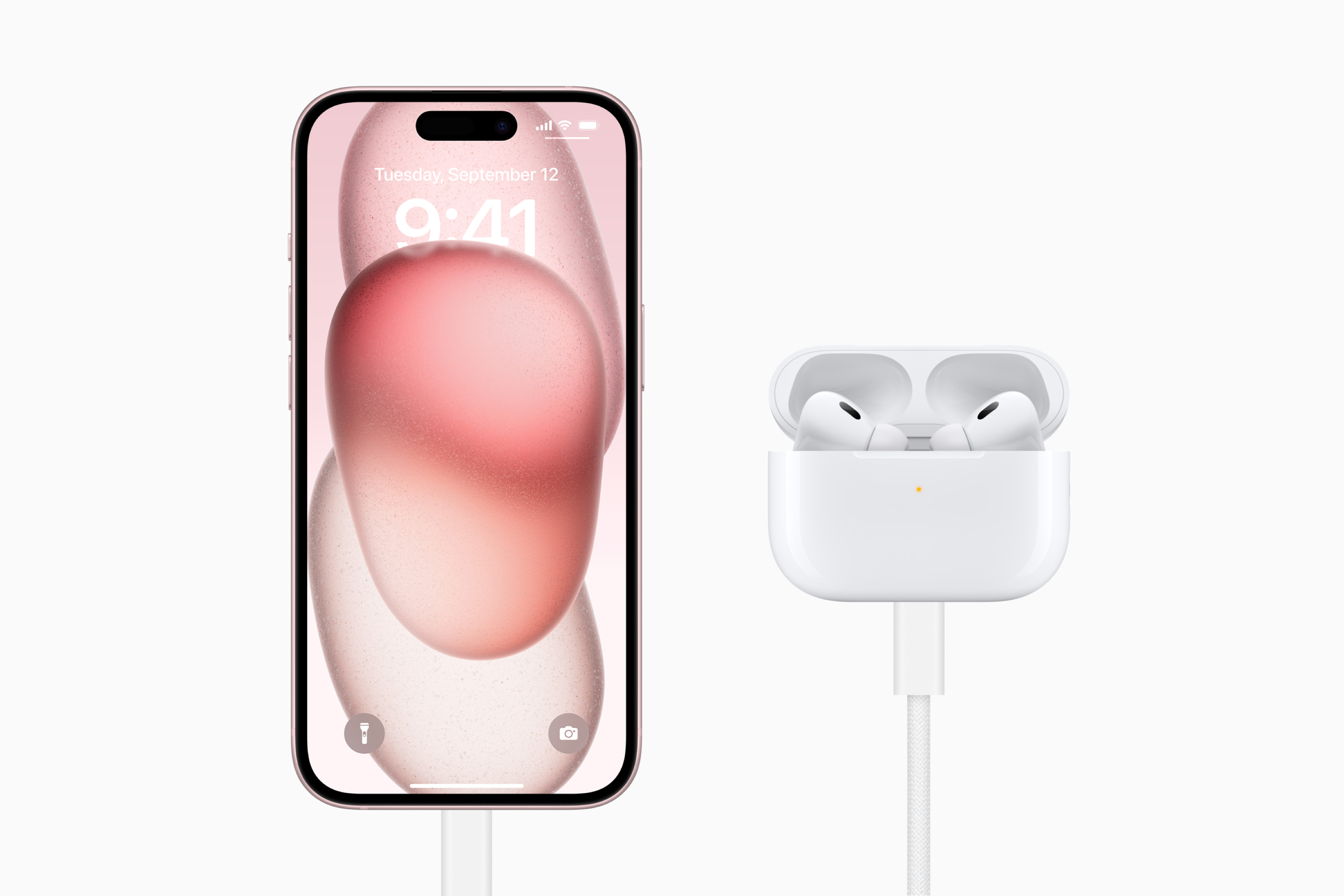
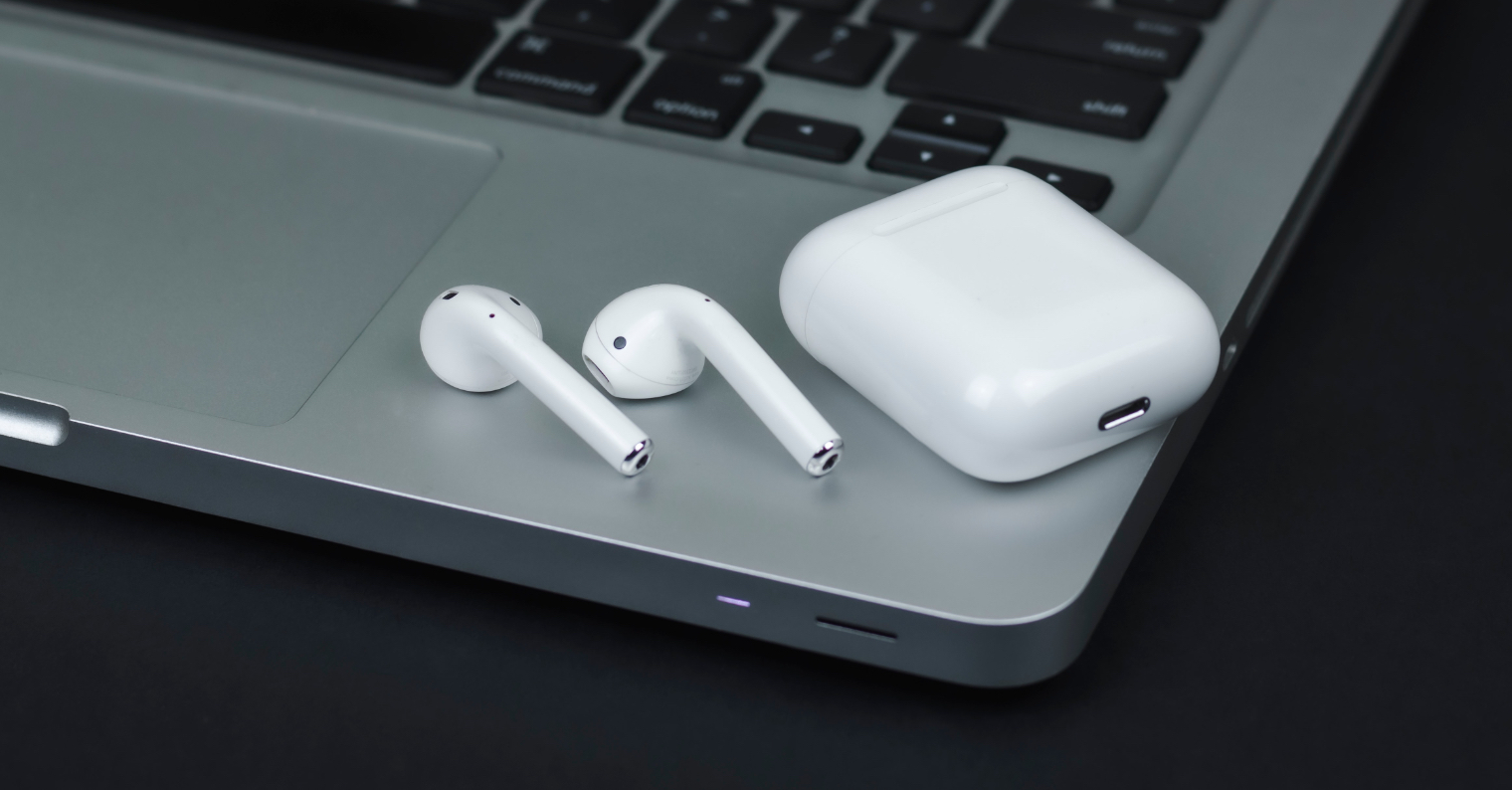
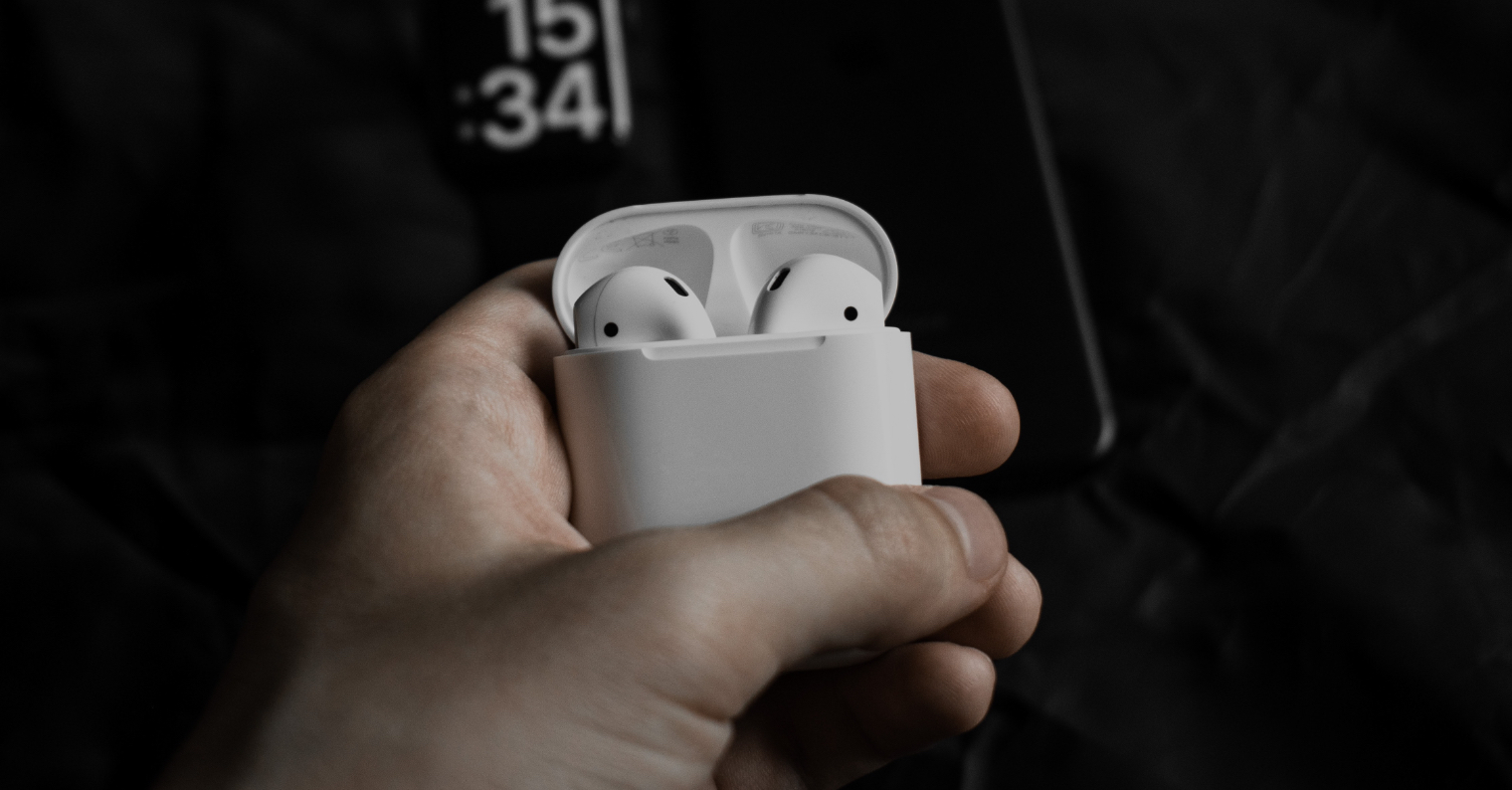

Some fake AirThe Pods work surprisingly well, including touch control or collaboration with the assistant SiriSo it's up to you whether you decide to continue using the counterfeit at your own risk, or whether you decide to deal with this unpleasant situation in another way.