Amaya Toman
 Company Apple in a system macOS Sonoma 14.1 has removed support for older camera and video system extensions. Therefore, you may find that your camera no longer works after the update. MacThe webcam works.
It could be interest you
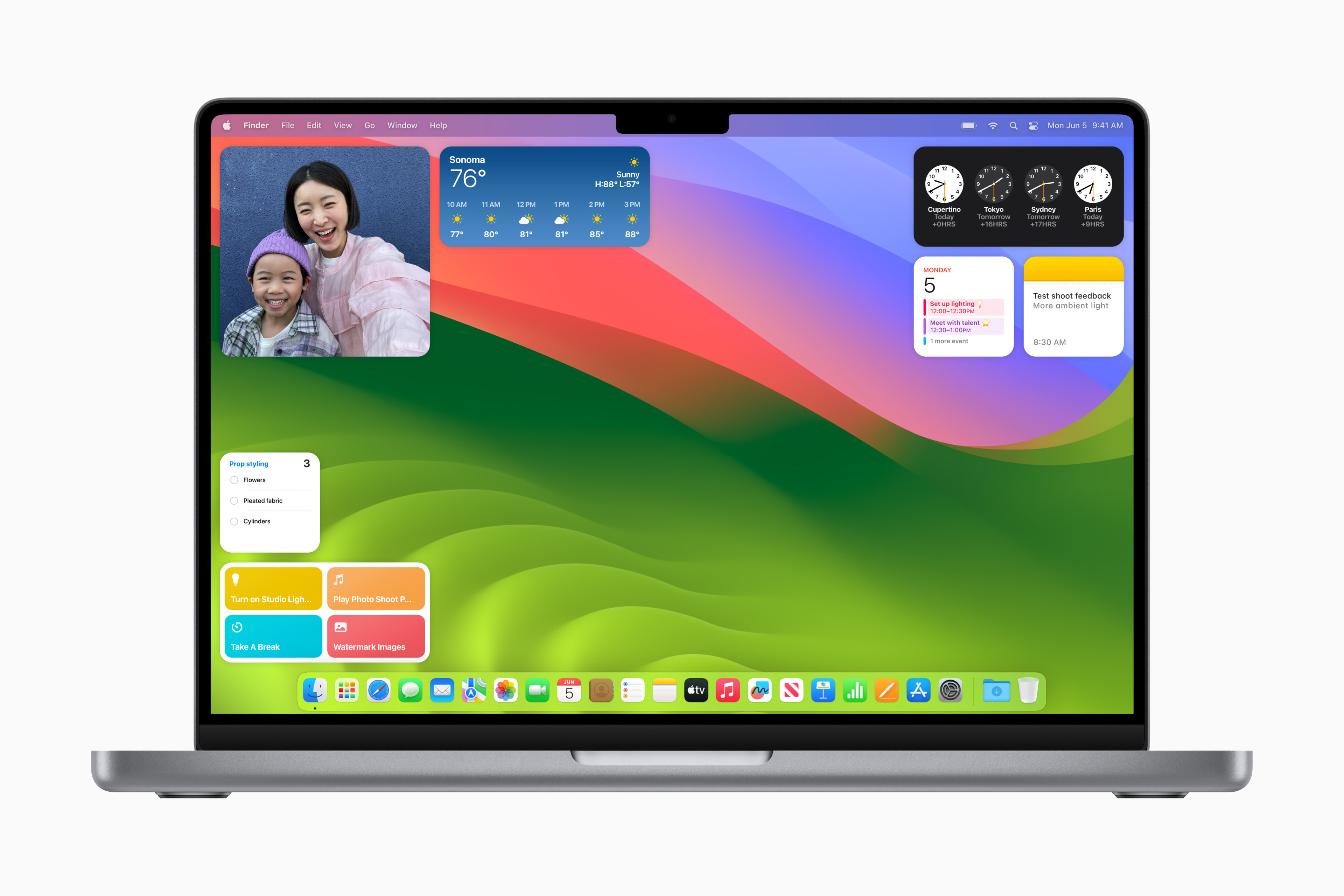
Some users may not be aware that their aging products are running older systems until they are Apple will not remove. Apple fortunately, it has provided a solution for users who rely on outdated webcams and video equipment.
Apple previously implemented a green dot in the menu bar at the top of the screen Macu. The dot is intended to serve as a privacy and security measure, and will appear whenever the webcam is activated. Only webcams using the latest system extensions will activate this dot. Users who have older devices using old extensions have two options. They can contact their device manufacturer to see if an update is available or planned, or they can restore support for older extensions on the system macOS.
Before you do anything, try the computer Mac completely shut it down, or if you're using a desktop computer, unplug it from the power source, then restart it. It's possible that the webcam just encountered an error while trying to start up, so a restart can help verify this. Restoring legacy webcam support will allow your older device to work, but you won't see the green privacy indicator when using it.
- Turn off Mac.
- Run it in recovery mode. That's with computers Apple Silicon Mac proby holding down the power button, and MacIntel processor by pressing Command-R when turning on the computer. Select Continue.
- Select an offer Tools -> Terminal
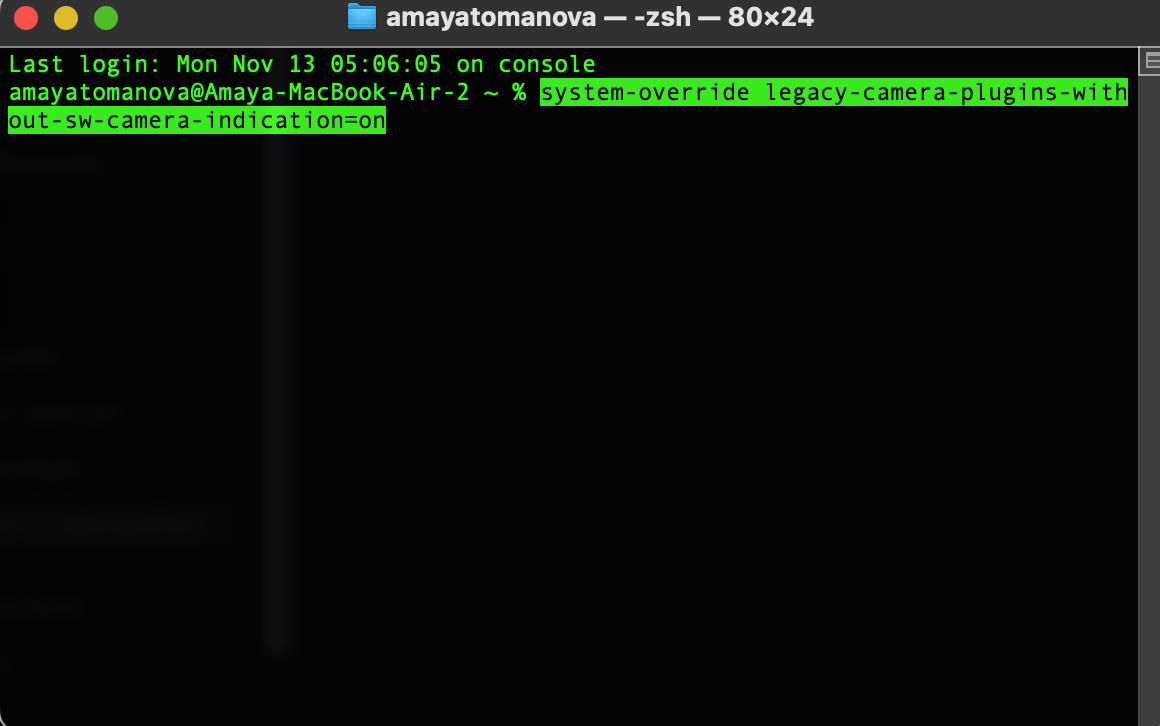
- Enter the command: system-override legacy-camera-plugins-without-sw-camera-indication=on
- Press Enter and complete the next steps when prompted.
- Exit Terminal
- Go to menu Apple and select an option Restart.After restarting the computer Mac A warning will appear in System Settings. Go to Privacy & Security and select Camera.
Gallery
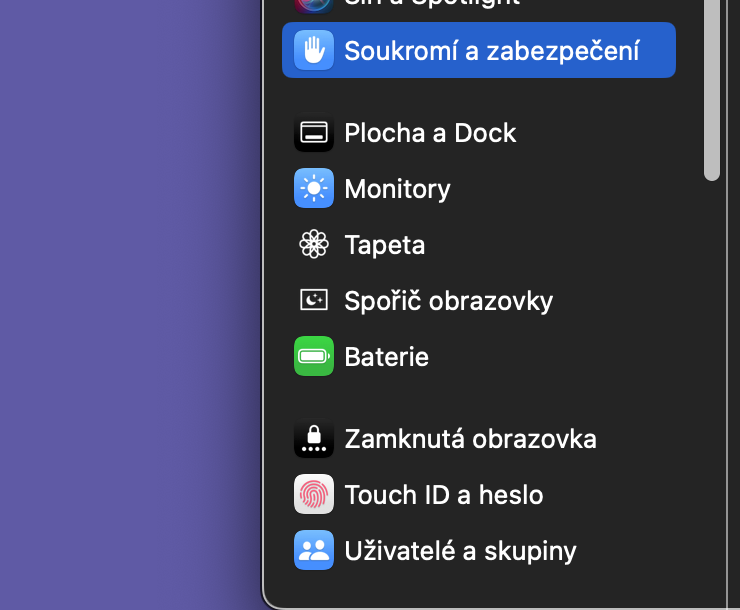
If legacy video support has been successfully restored, you will see a notification that the green dot is no longer visible in the menu bar. This means that your legacy webcam should now be on Macwith the system MacOS Sonoma 14.1 works.