Jiří Filip
 Komerční sdělení: Getting the best FPS from a gaming PC is not always about upgrading expensive hardware. Outdated graphics drivers and gaming components can also affect performance, cause stuttering, and prevent games from running smoothly. Keeping these components updated can improve stability and deliver a more consistent gaming experience. However, manually searching for the latest updates can be time-consuming. That is where Driver Booster comes in. This tool lets users update graphics and gaming components for smoother gameplay. In this guide, we will provide a complete review of Driver Booster while explaining why it is one of the best tools for keeping your PC components updated and improving gaming performance.
Part 1: What is Driver Booster?
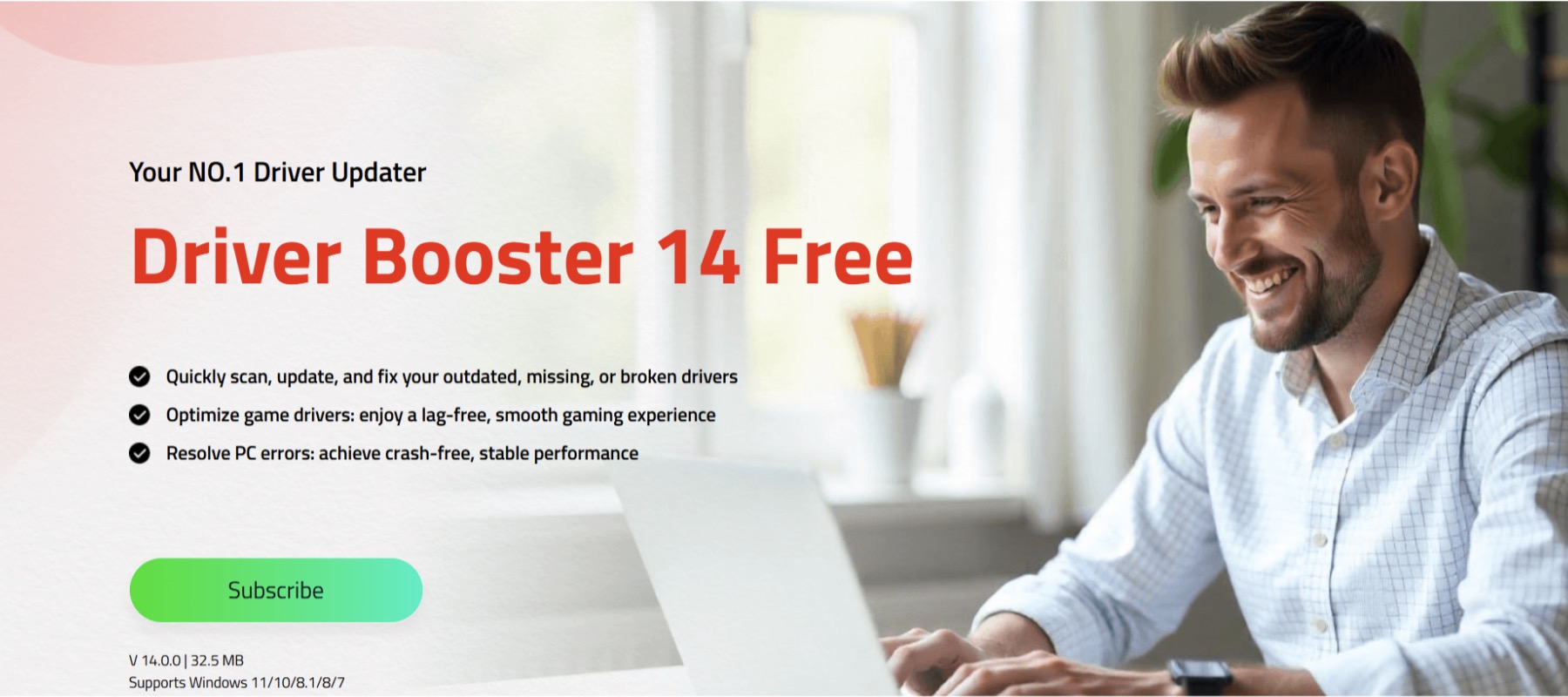
Driver Booster is a free driver management tool that automatically detects outdated, corrupted, or missing drivers and updates them to the latest version with a single click — no manual effort required. With a single click, it completely scans your PC and identifies drivers that may affect system stability and gaming performance. It can help users find updates for graphics, audio, network, chipset, and other hardware drivers without requiring them to search for each update manually. One of the standout features of Driver Booster is that it offers a free version, allowing users to keep their PCs up to date without spending a single penny.
Part 2: Driver Booster: Key Features for Better Gaming Performance
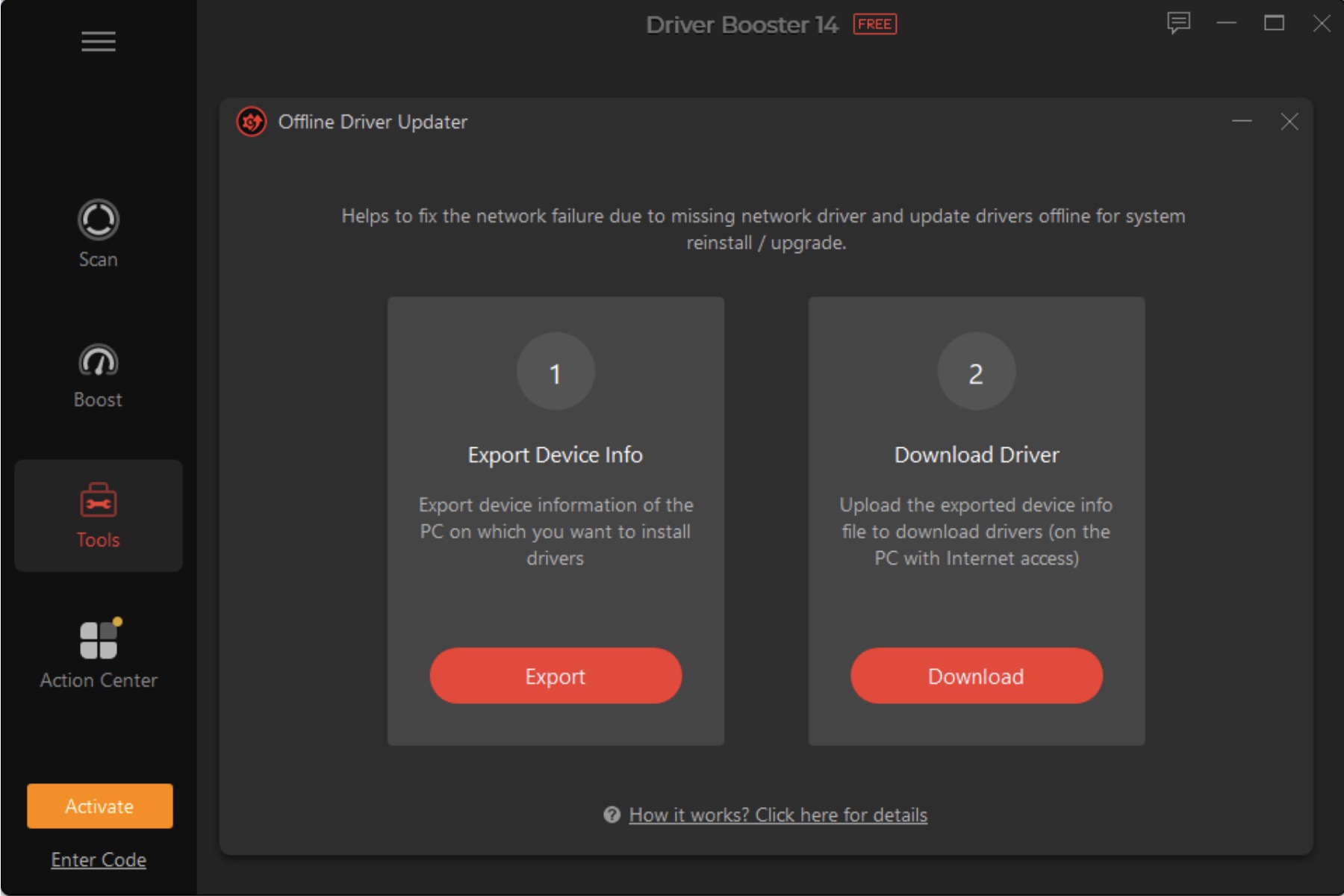
Driver Booster offers an amazing set of features, making it a useful tool for gamers who want to keep their PC drivers and gaming components updated. Below, we have listed the top features of this program:
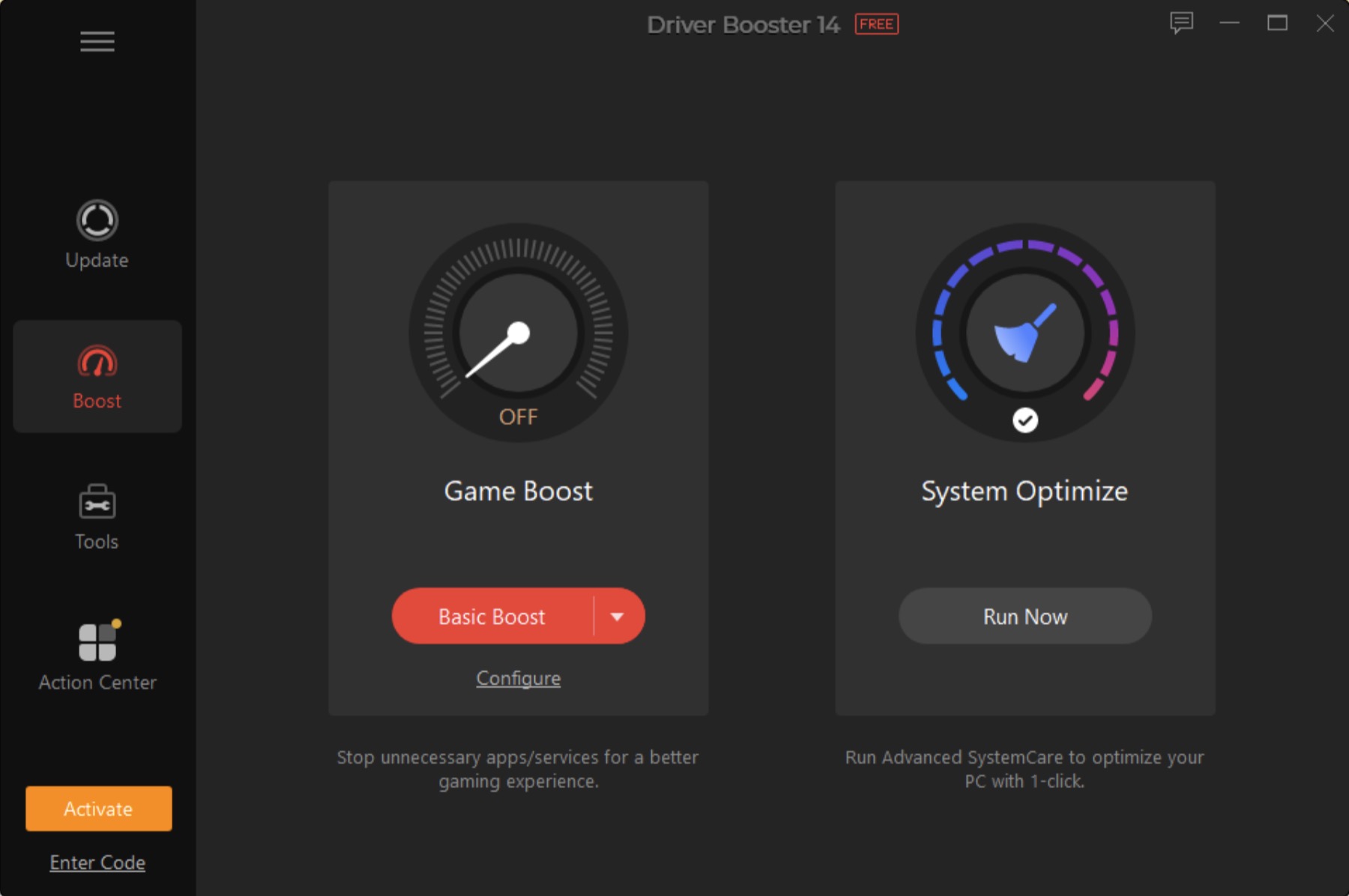
- Best Driver Updater: Driver Booster is the ultimate one-stop solution for all driver-related issues. Its exclusive gaming optimization features allow you to effortlessly update, repair, and manage drivers without going through complicated manual processes.
- 23 Million+ Driver Database: The program provides access to more than 23 million drivers, helping it identify updates for a wide range of hardware devices and PC components. This extensive database makes it easier to find driver updates for graphics cards and more.
- Backup and Restore: Driver Booster includes a backup and restore option that provides an extra layer of protection when updating drivers. Before making changes, users can create a backup of their existing drivers, allowing them to restore a previous version if a new update causes compatibility issues.
- Offline Driver Updater: One of the standout features of this tool is that it provides an offline driver updater, allowing users to update drivers without an internet connection. This feature can be useful when a network driver is missing, and the PC cannot connect to the internet.
- Easy-to-Use: Driver Booster offers an intuitive interface, allowing beginners and non-tech users to update and enhance gaming performance without technical knowledge or professional help. Users do not need to search for individual drivers or deal with complicated installation steps.
Part 3: Benefits and Limitations of Driver Booster
Like any software, Driver Booster also comes with several useful features and limitations. Here are the top pros and cons of this driver updater:
Pros
- Driver Booster automatically detects outdated drivers on your PC and updates them to the latest version with a single click.
- The program works seamlessly with all Windows versions, including Vista, XP, 7, 8, 8.1, 10, and 11.
- Helps users keep graphics, audio, network, chipset, and other essential drivers updated from one convenient interface.
- Offers an offline driver updater for installing drivers when an internet connection is unavailable.
- Saves time by eliminating the need to manually search for individual drivers from different manufacturer websites.
Cons
- The free version enables users to update outdated drivers, but some advanced features are locked and available in the paid version.
Part 4: How to Update Graphics Card Drivers With Driver Booster?
With Driver Booster, users can easily update graphics card drivers with a single click. Here is how to do it:
- Download, install, and launch Driver Booster on your PC. Once the program is open, click on the “Scan” button to begin the scanning process.
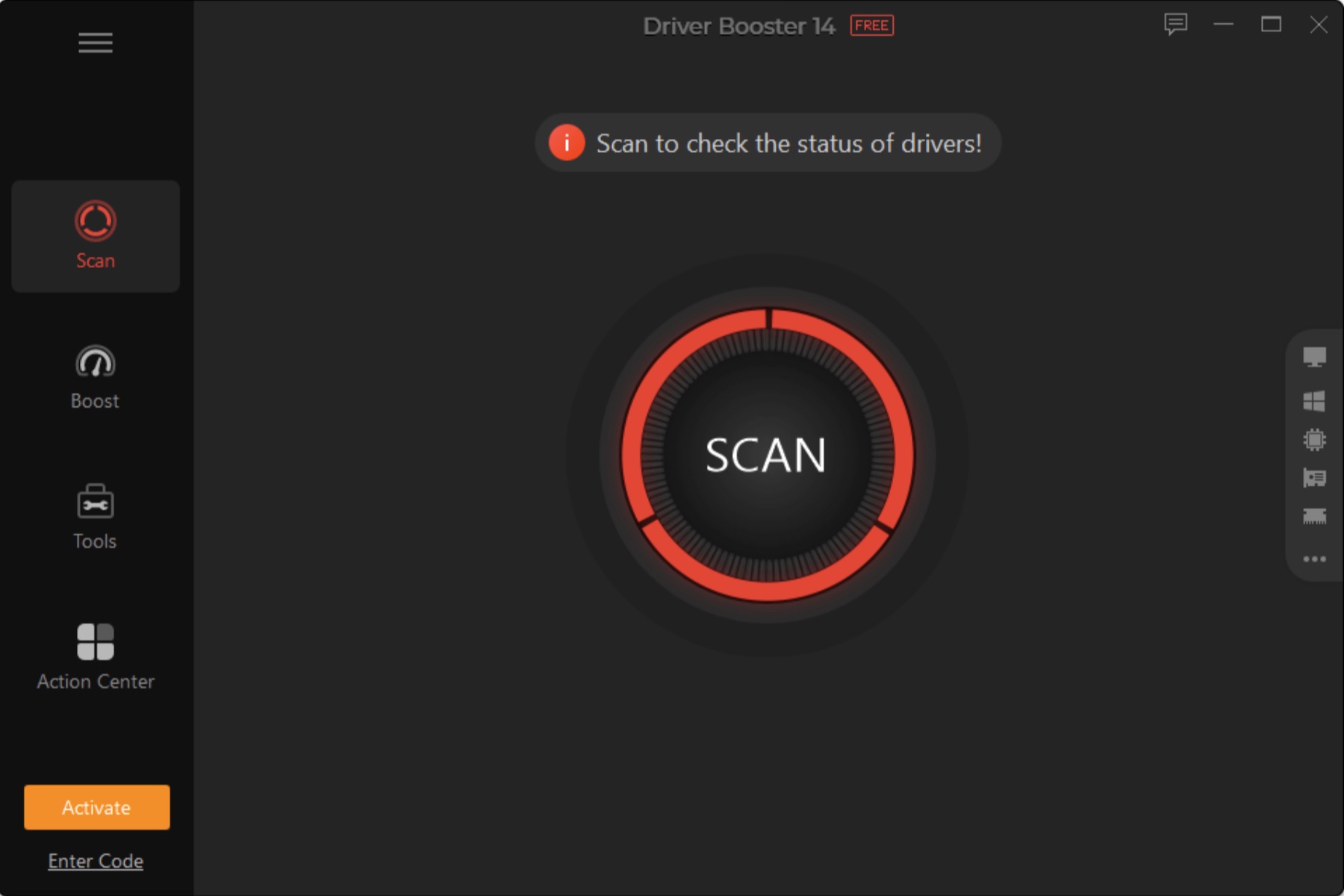
- Driver Booster will automatically examine your system and identify outdated, missing, or corrupted drivers that may affect your gaming performance. Select the “Outdated Drivers” option and click on the “Update Now” button.
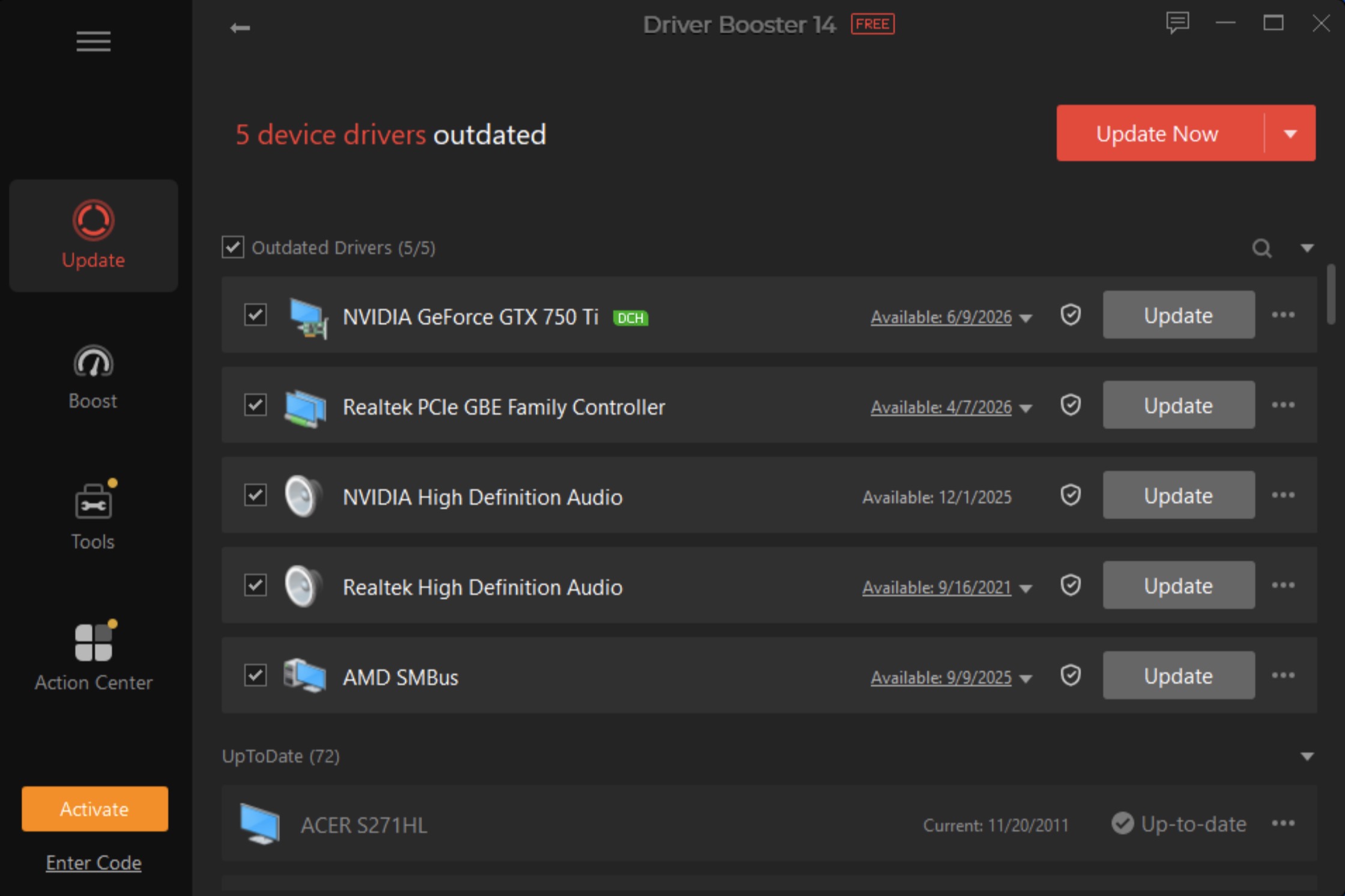
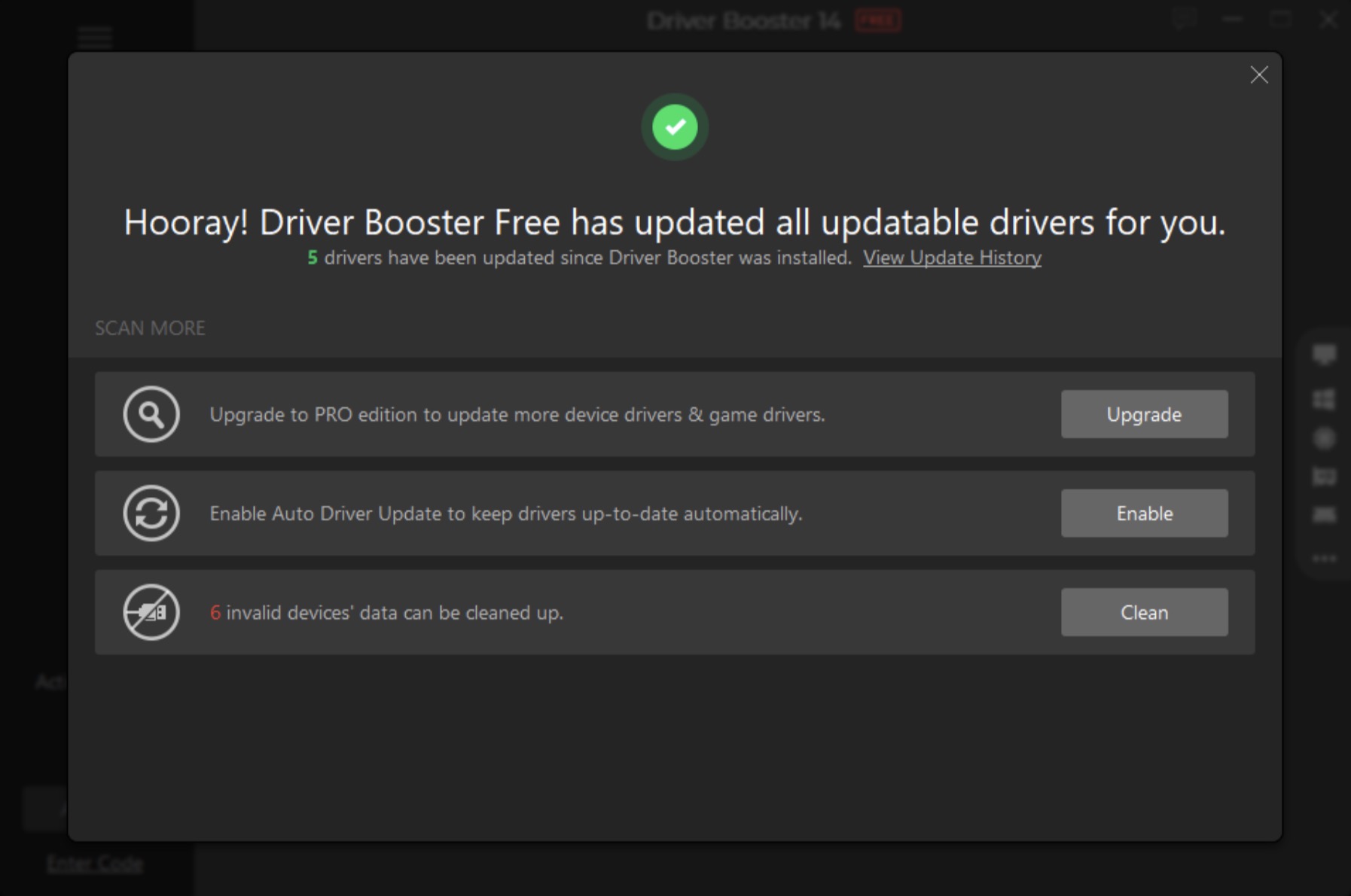
- Within seconds, this program will update outdated drivers to the latest version. Restart your PC for the changes to take effect and allow Windows to load the newly installed drivers.
Conclusion
When fighting frame drops, micro-stutters, and random crashes, upgrading expensive hardware isn’t always necessary—keeping your software drivers optimized is just as critical. Driver Booster 14 stands out as a top-tier free tool that automates PC driver maintenance and gaming optimization. Tapping into an expanded 23,000,000+ database, its reengineered scanning engine offers multi-version flexibility, letting you easily switch between cutting-edge „latest“ drivers for peak FPS or „most stable“ versions for maximum system reliability.
Beyond core drivers, Driver Booster 14 eliminates common gaming bottlenecks with its new Fix Missing Game DLLs tool, scanning and repairing 60+ game components and 680+ DLLs to prevent launch errors in real time. Combined with a sleek, redesigned UI, failure-free multi-version installations, and one-click safety backups, it simplifies complex system maintenance into an effortless routine. Whether you want to smooth out frame rates or prevent crashes, Driver Booster 14 keeps your gaming PC running at peak performance without costing a penny.




 Patrik Pajer